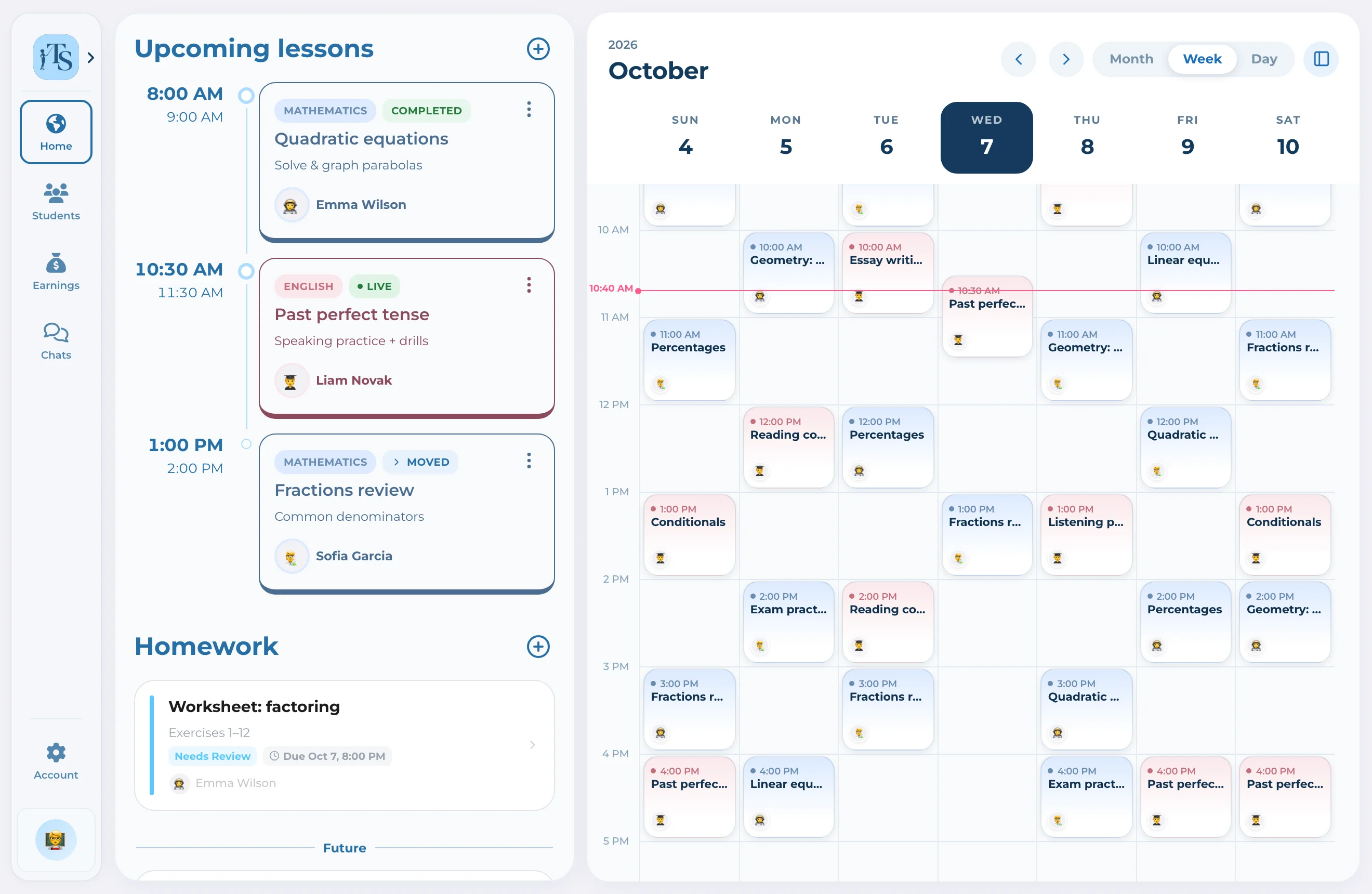
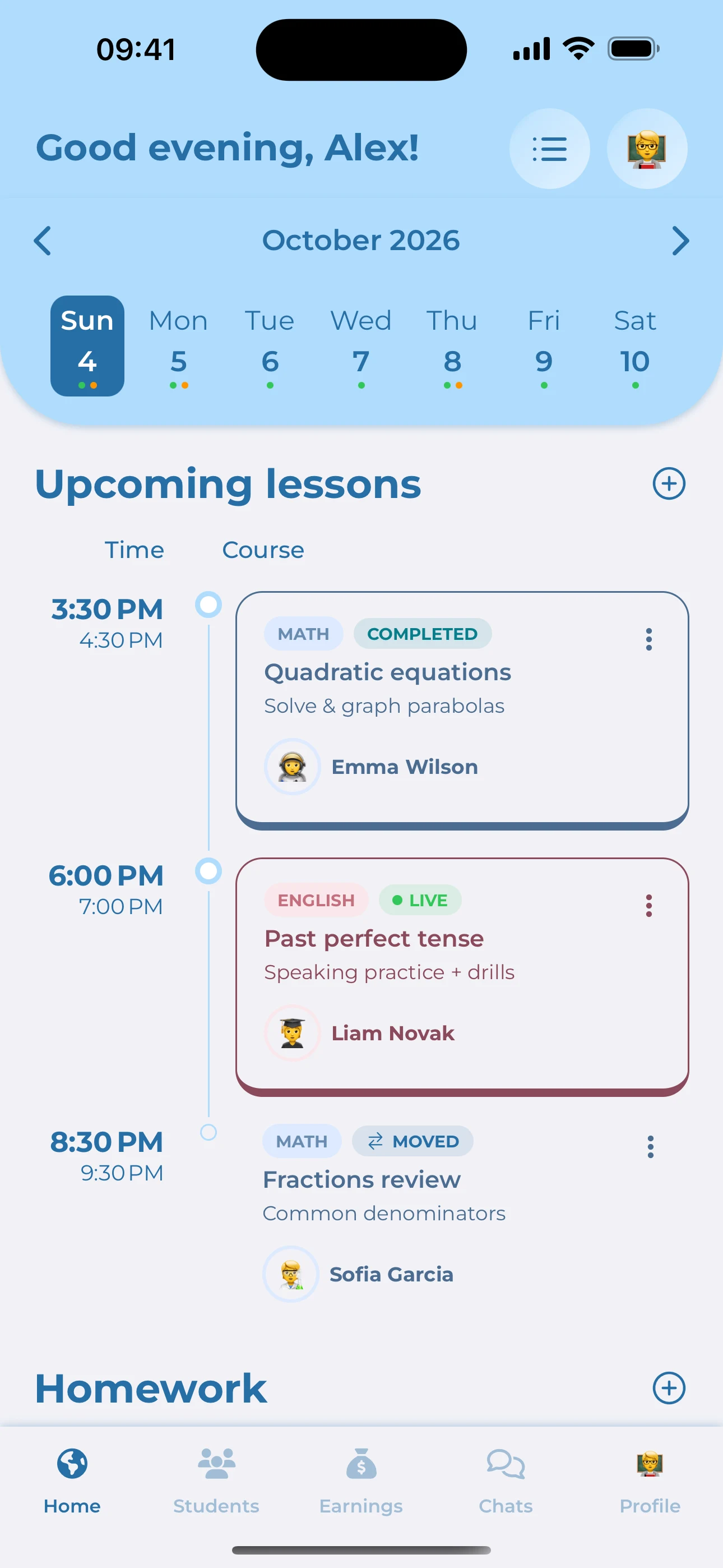
Everything in Pro, plus your own app in the App Store and Google Play. Your website and web app on your domain, in your colors. We launch it with you and stay on hand.
Yes, in two places, and only when a teacher asks for it: AI can draft a lesson plan or homework, and it can draft a review of homework a student has handed in. Both are drafts only the teacher sees — the teacher edits or discards them, and nothing reaches a student until the teacher confirms it. The AI never grades anyone and never decides anything by itself. Our provider is OpenAI; this content isn't used to train models, and no names, avatars or account identifiers are sent with it.
What can I see in my child's account?
Everything: lessons, schedule, homework, grades, and the full chat with the teacher, attachments included. You're added to every one of those chats automatically.
How does a child sign in?
Adults sign in with an email and a password. A child needs neither. In My Children → Add Child you pick a name (a nickname works) and an emoji avatar, and the app generates a Login Code. The child enters that code instead. The code stays on the child's card, so you can look it up or generate a new one at any time.
What files can I upload?
Photos, PDFs, Word and Excel documents, PowerPoint presentations, plain text and CSV. There's also a built-in scanner for worksheets and notebook pages. Video files can't be uploaded, but you can add a link from YouTube, Vimeo or another popular service — the video stays where it is and we keep only the link and a preview. Attached as AI sources, the limits are tighter: up to 5 files per draft, at most 3 of them documents, 10 MB per PDF and around 50 pages read from each one.
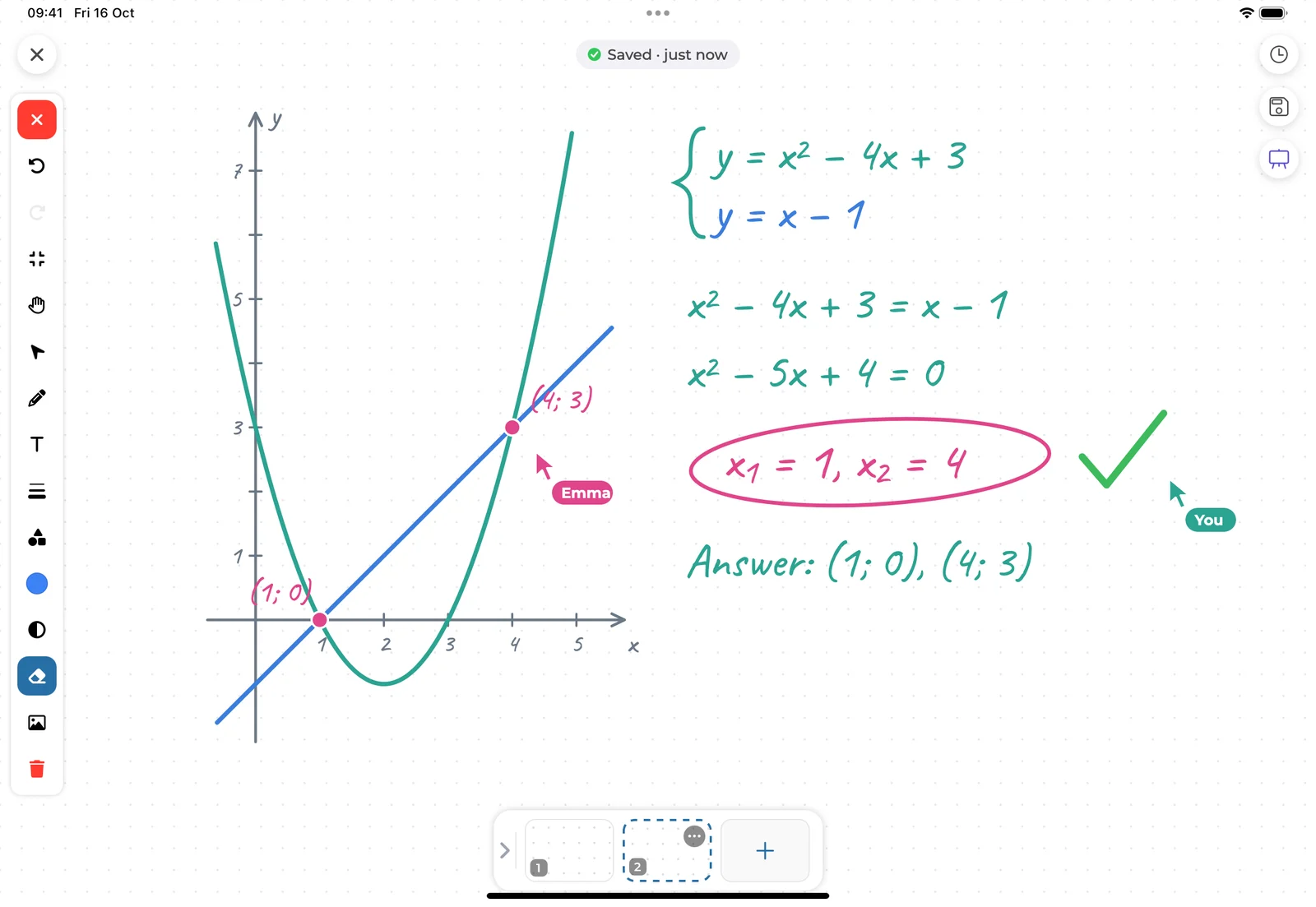
The whiteboard says I'm offline — will I lose my work?
On Plus and Pro, your whiteboard changes are saved on your device first and sent to the server when the connection returns.
How do I cancel my subscription or get a refund?
Manage or cancel your subscription where you purchased it.
Website: sign in to Teach Space → Profile → Membership → Manage subscription.
iPhone or iPad: Settings → your name → Subscriptions → Teach Space.
Android: Google Play → Subscriptions → Teach Space.
After you cancel, paid features keep working until the end of the period you've already paid for. To request a refund for a website purchase, contact support@teachspace.app. For iOS purchases, use reportaproblem.apple.com; for Android purchases, use Report a problem in Google Play. Sign in to the same Teach Space account to use your plan on the website and in the apps.
What happens if I switch to a smaller plan?
The limits of your new plan apply. Students and files above those limits become restricted or read-only. Upgrade again to restore access within the higher limits. If you need help with your account or stored materials, contact support@teachspace.app.
Do you show ads or sell my data?
No to both. Teach Space has no ads and no ad tracking, and we don't sell your data to anyone — ever.
Built around the people who teach.
Teaching is a relationship that grows over time. We’re building a space that keeps the people, the work and the small moments of progress together.