

1
More than lesson count
Combine quantity with attendance, homework completion and available grade context.
 Tutor
Tutor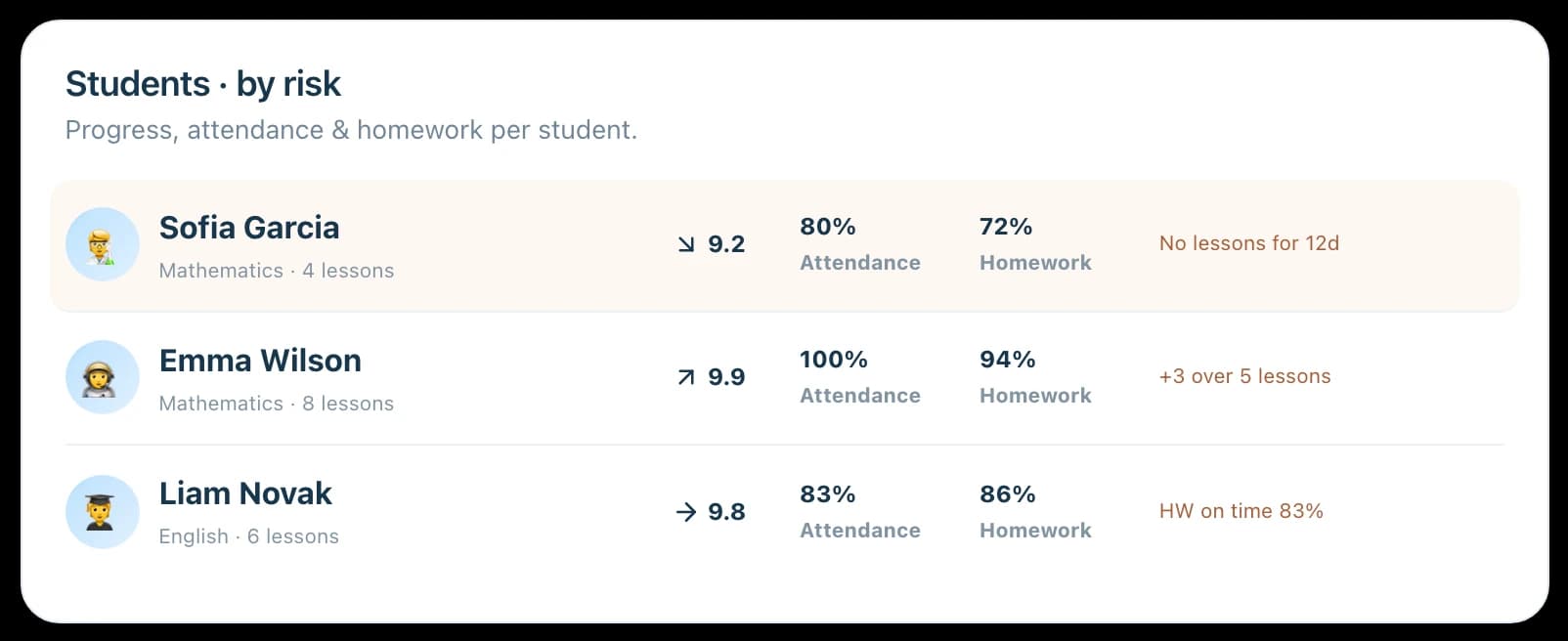
Student progress tracking
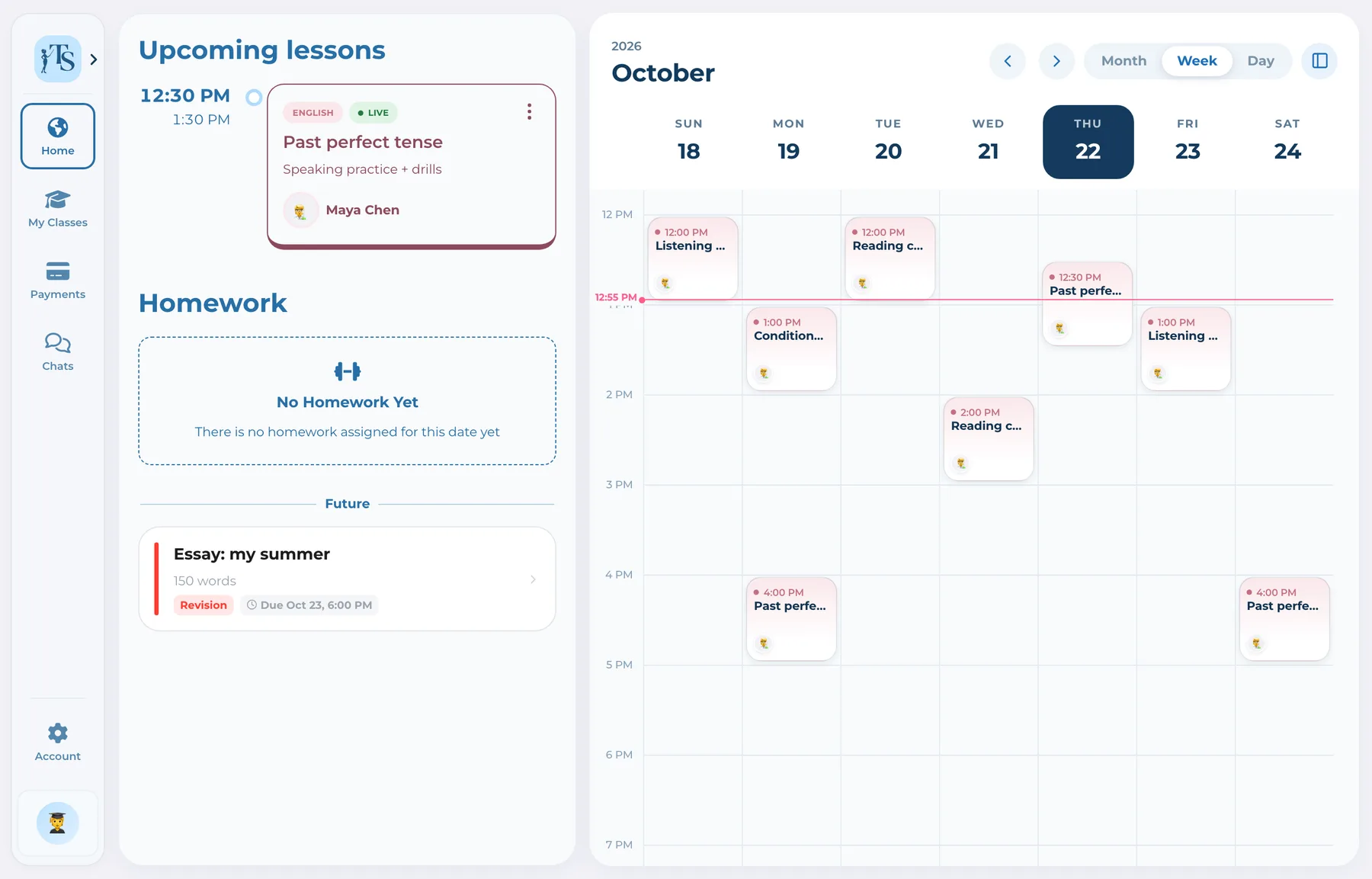
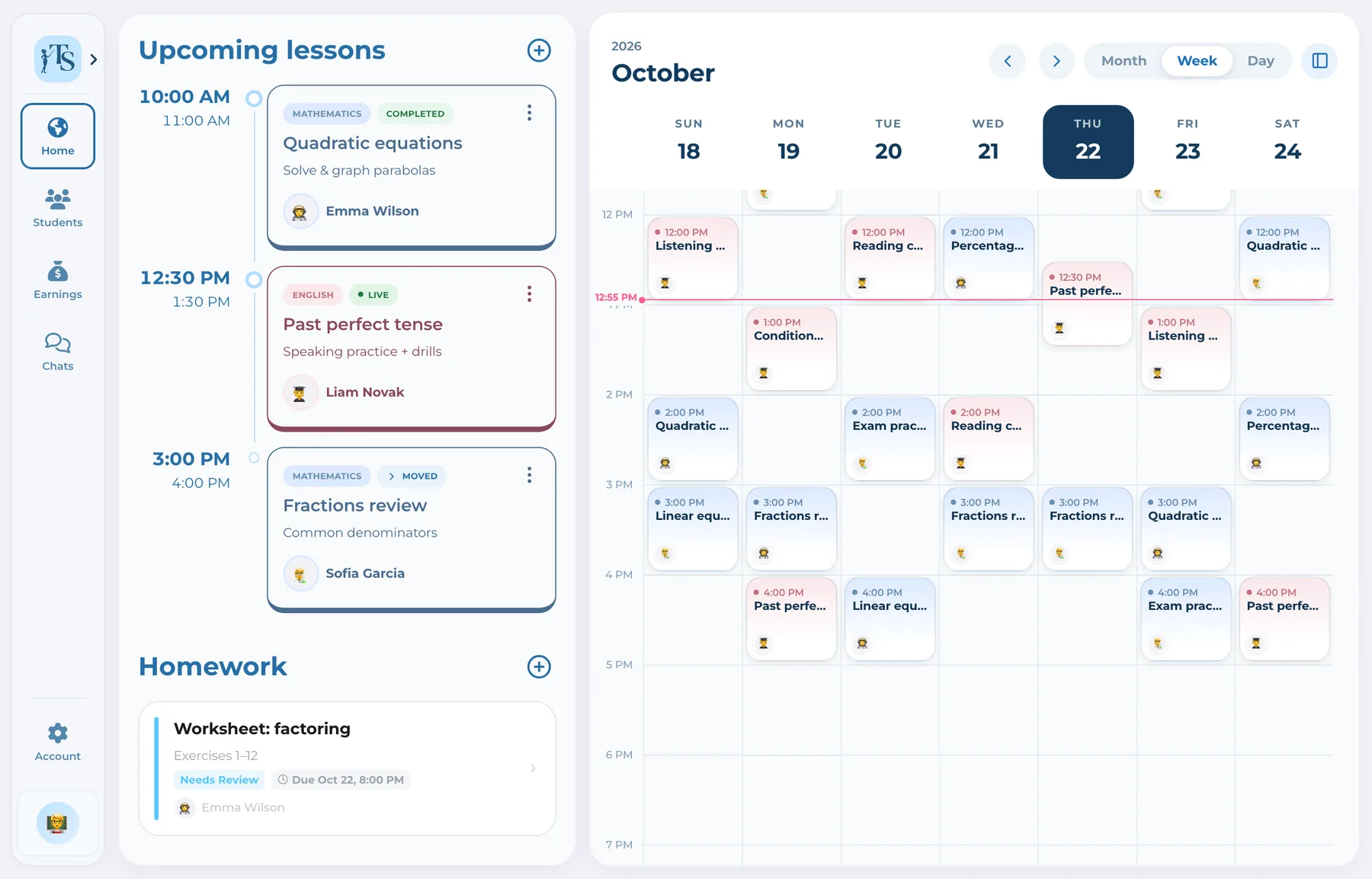
Teach Space brings lesson count, attendance, homework activity and progress context into one connected history. Tutors can review what has happened over time instead of reconstructing the student’s trajectory from calendar events and chat messages.
One missed lesson lives in the calendar, an overdue assignment in chat and a grade in a note. When these signals are separated, tutors notice patterns late. A connected history makes the next teaching decision easier to explain and act on.
How it works
No separate reporting ritual is required to preserve the core evidence.
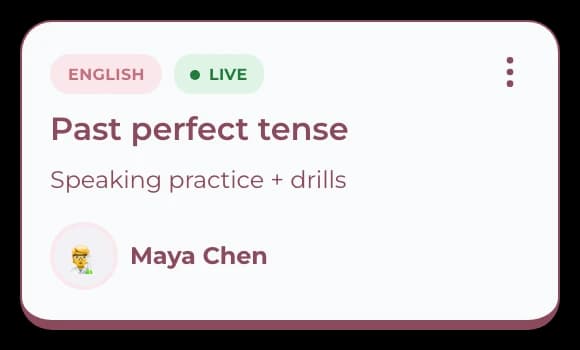
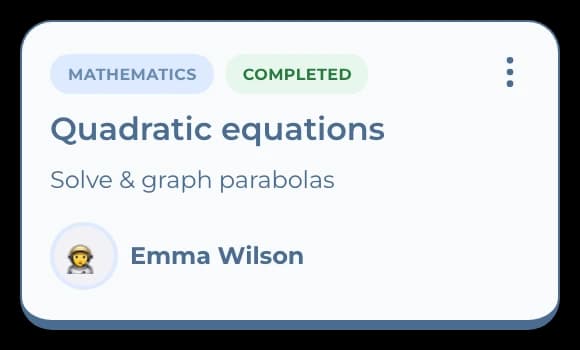
Keep completed and missed lesson context as part of the student’s ongoing record.
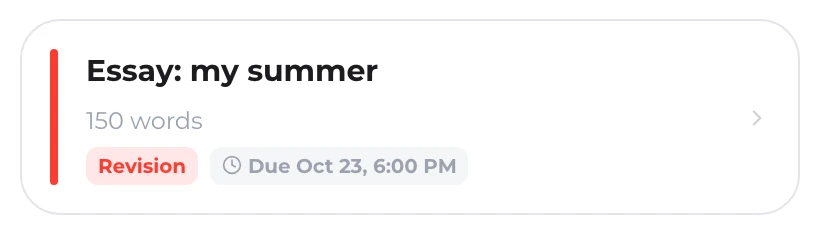
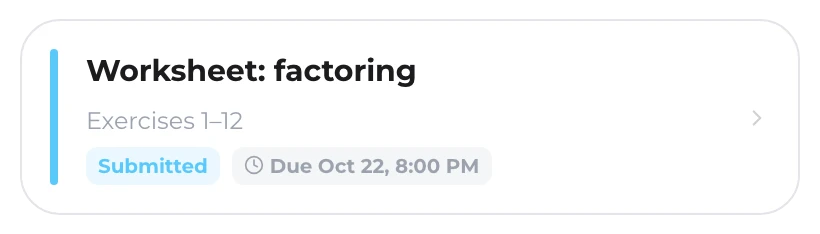
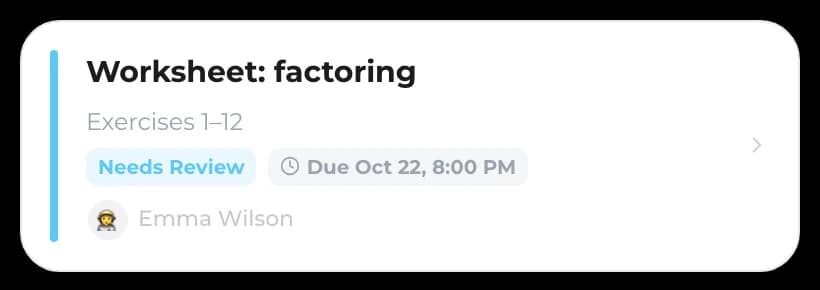
See assignments, submissions, revision states and feedback across the learning history.
Use lesson, attendance, homework and grade context to understand the student’s trajectory.
Keep the next conversation or learning action in the same workspace as the evidence.
One record, not another tab
Combine quantity with attendance, homework completion and available grade context.
TutorKeep the relevant learning evidence attached to the student instead of recreating it before every review.
Tutor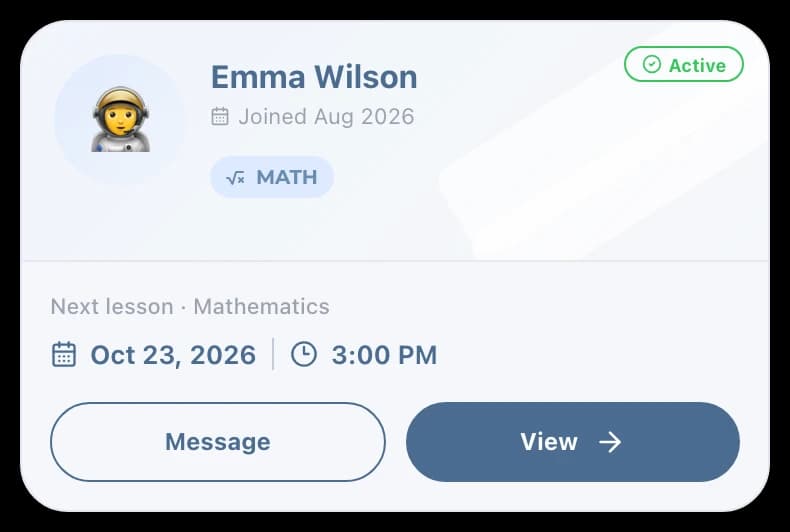
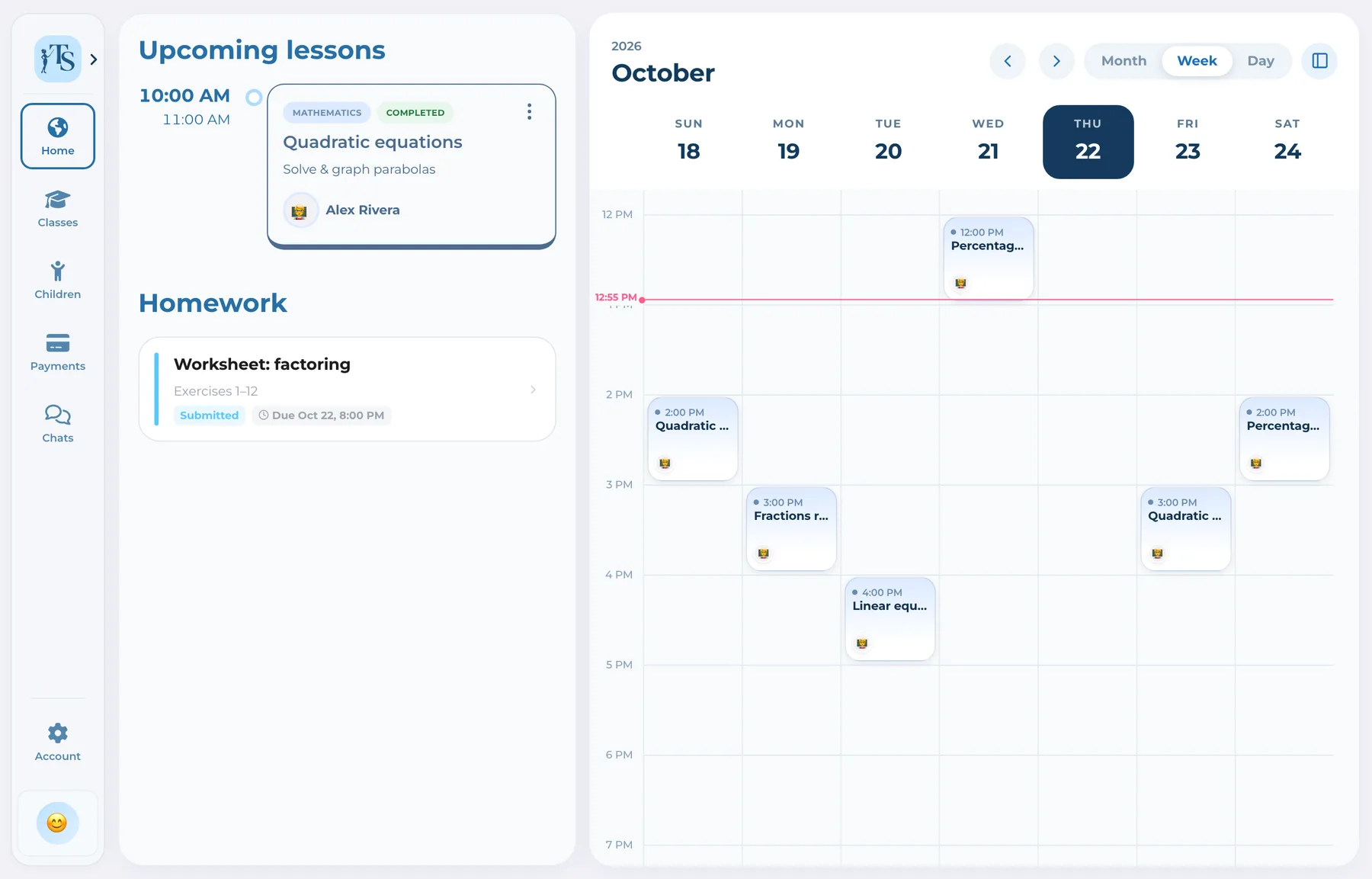
Parents can follow relevant progress states from their account without receiving the tutor’s full analytics controls.
 Parent
 Parent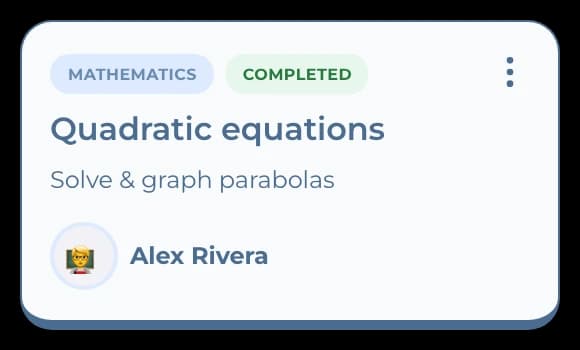
One workflow, connected accounts
 Alex RiveraTutor
Reviews lesson, attendance, homework and progress signals and decides the next teaching action.
Good to know
Answers before you start
The connected history includes lesson activity, attendance, homework states and available grade or progress context.
Yes. The purpose of the student history is to review the trajectory across lessons rather than only the latest event.
Connected parents can follow relevant progress and homework context for their child from a role-specific account.
No. It organizes useful evidence and analytics, while the tutor remains responsible for interpreting progress and choosing the next action.
Student progress tracking
Connect attendance, homework and lesson history instead of preparing the same picture from scratch.