


1
The student's own lesson view
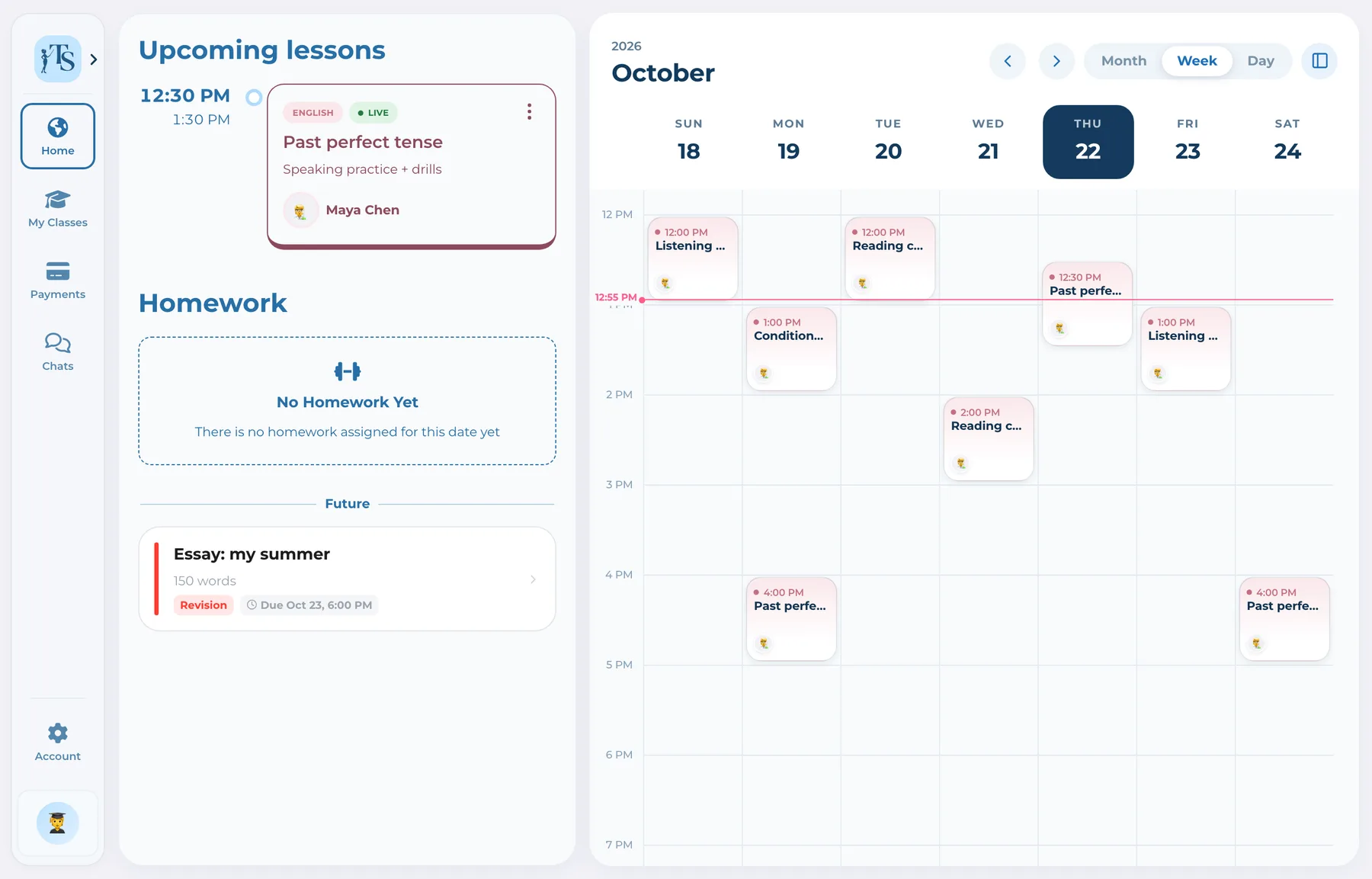
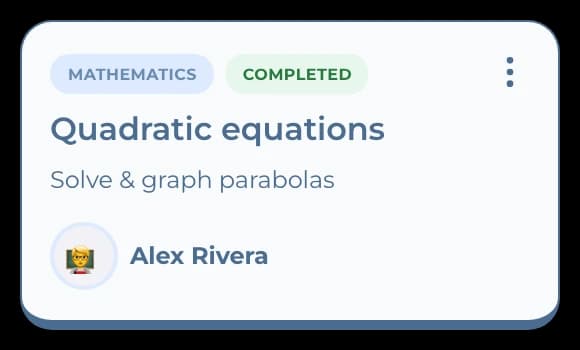
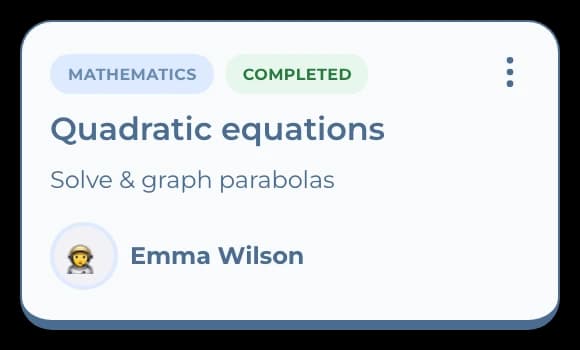
Students see the next lesson, its topic and who teaches it, on their phone or on the web.
 Student sees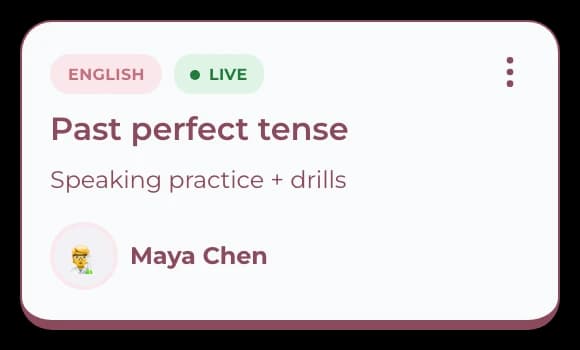
For language tutors
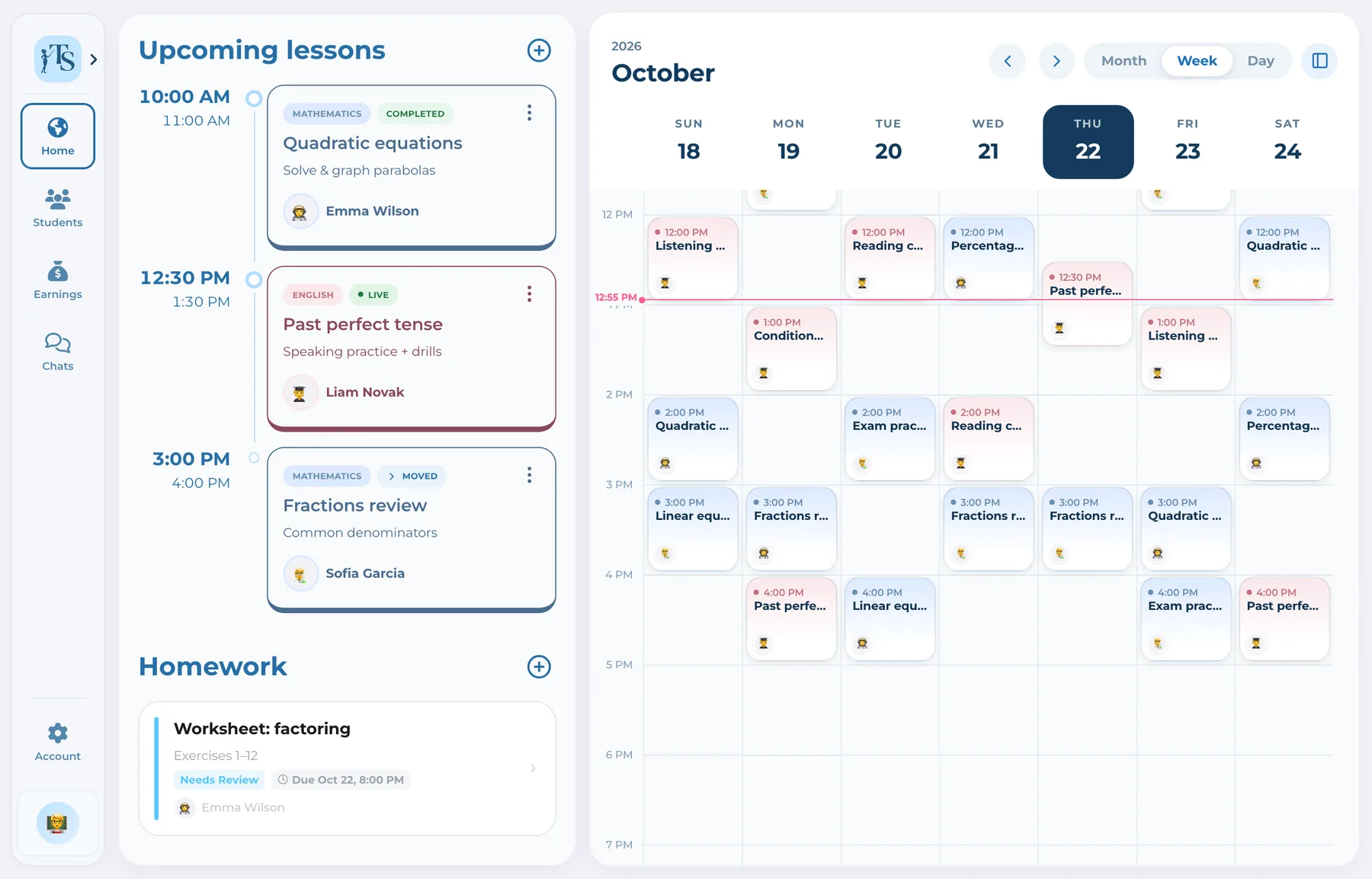
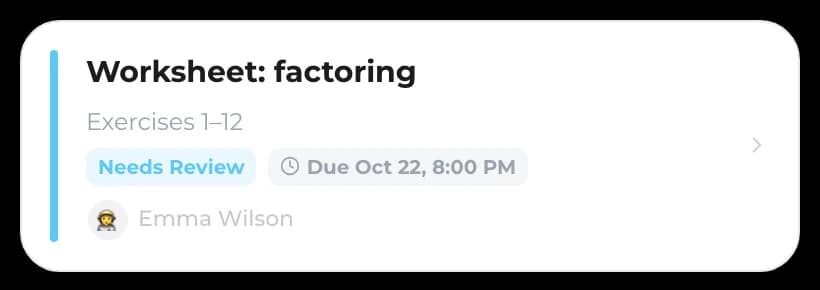
Send essays and exercises, ask for a revision, and keep students and parents up to date between lessons, each in their own app.
 Alex RiveraTutor
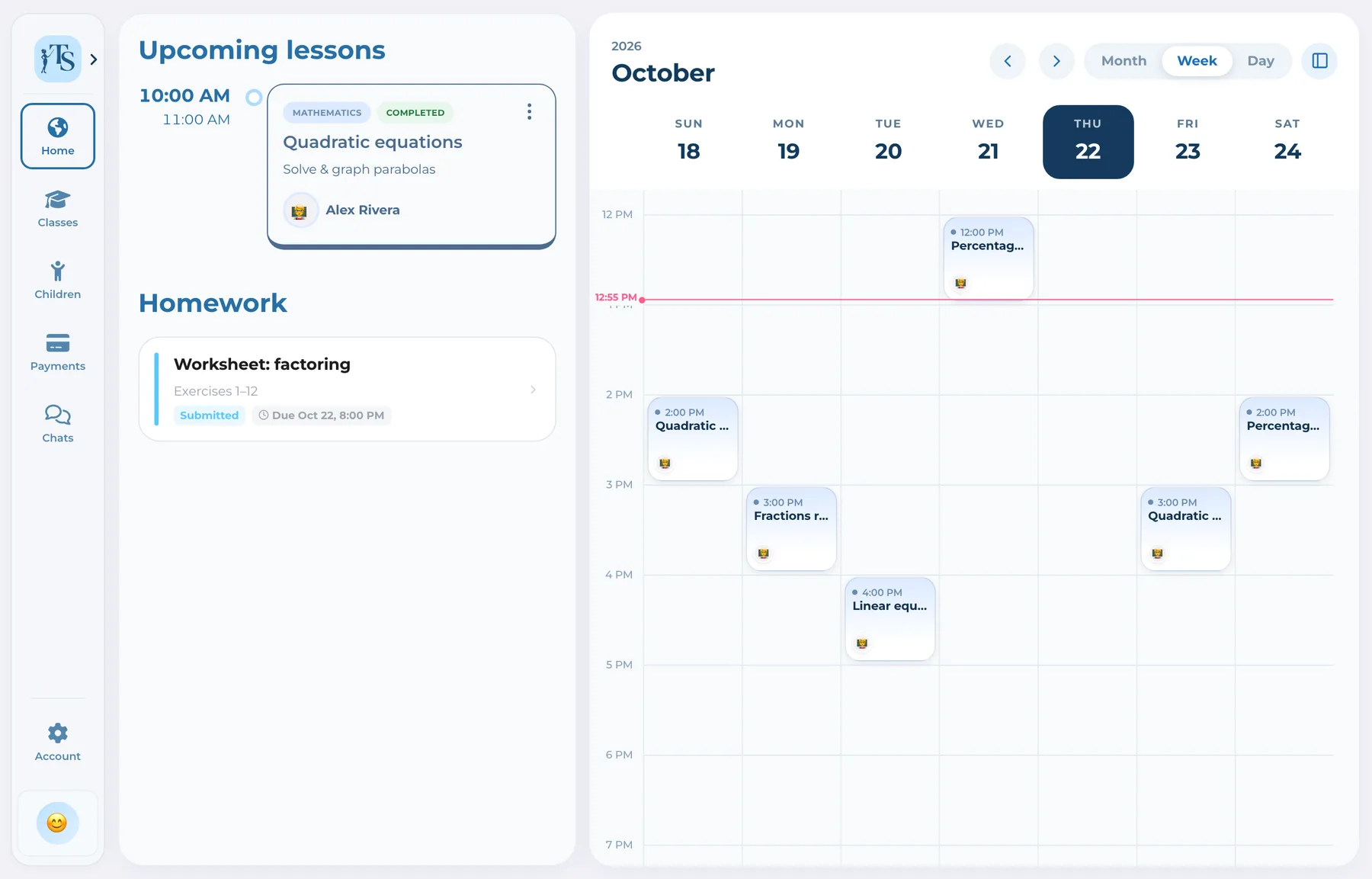
Your week, every class and every homework to review.
How it works
Students see what is next and what to fix; parents see the rest.
Students see the next lesson, its topic and who teaches it, on their phone or on the web.
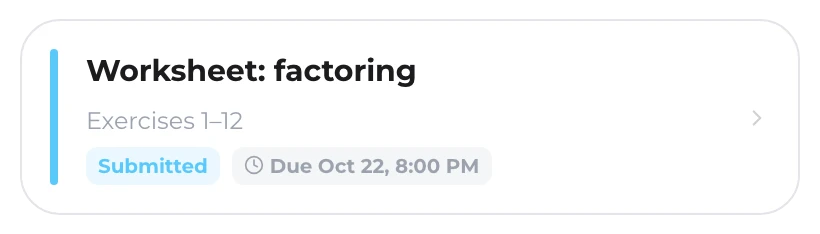
Student seesReview the work and ask for a revision. The student sees what to fix and hands it in again, and the history stays with the class.
Student sees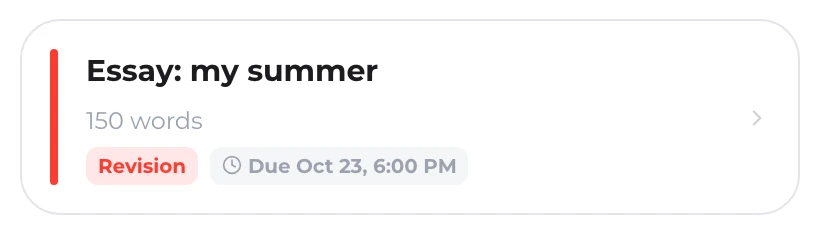
Parents see what's due and pay through your own provider or report a transfer. You confirm, and everyone sees it as paid.
 Parent
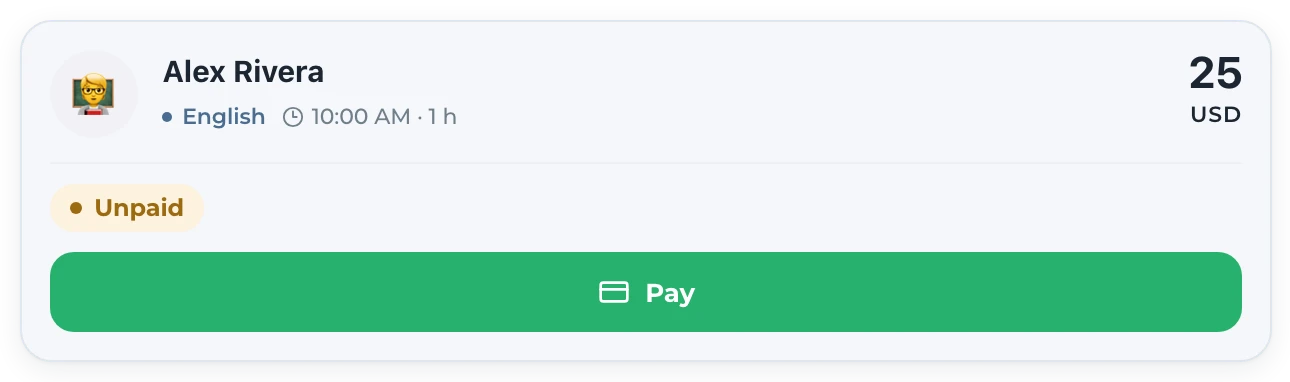 Tutor
Tutor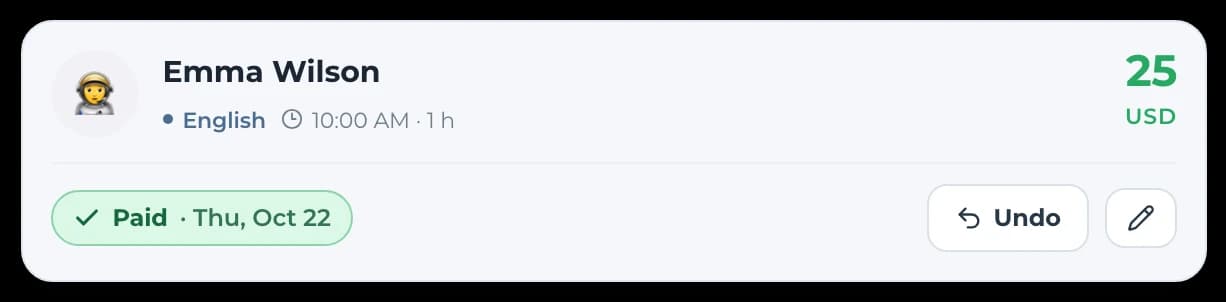
Switching
Three steps, and every family sees the same lesson you do.
Create each class with its schedule.
Every class has an invite link. Students join themselves; younger students join through a parent.
Schedule, homework and payments now show up for all three of you.
Answers before you start
Yes. Students use the Teach Space app on iPhone or Android, or the web, to see homework and hand it in.
No. Student and parent accounts are free; the teacher's plan covers the class.
Yes. A class can be one student or a group, and everyone in it sees the same lessons and homework.
For language tutors
Every account starts with 7 days, free and without a card.