

1
Clear status
Know what was assigned, submitted, returned for revision and completed without searching through messages.
 Tutor
Tutor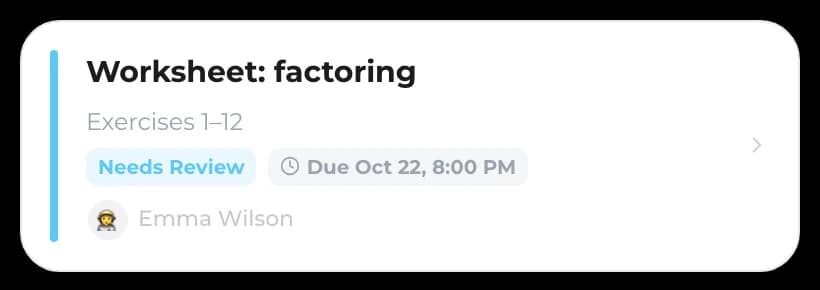
 Parent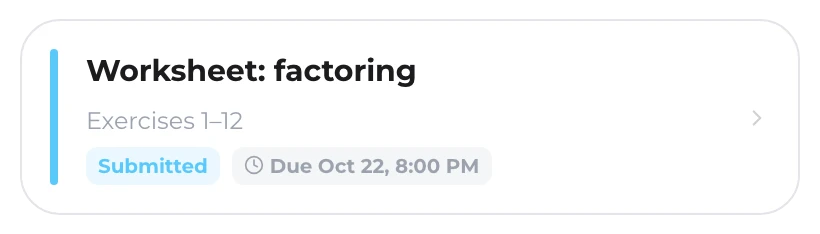
Homework management for tutors
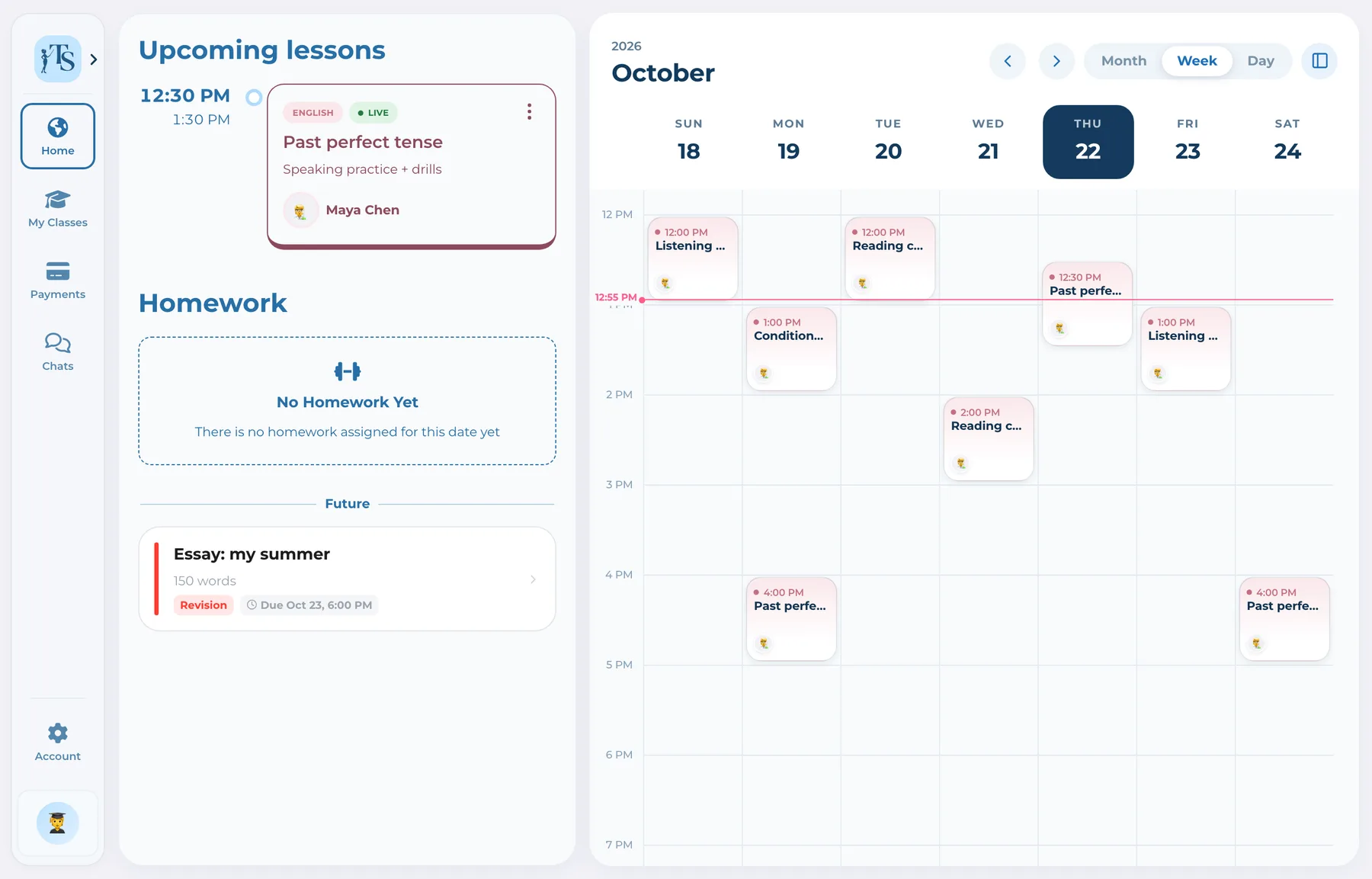
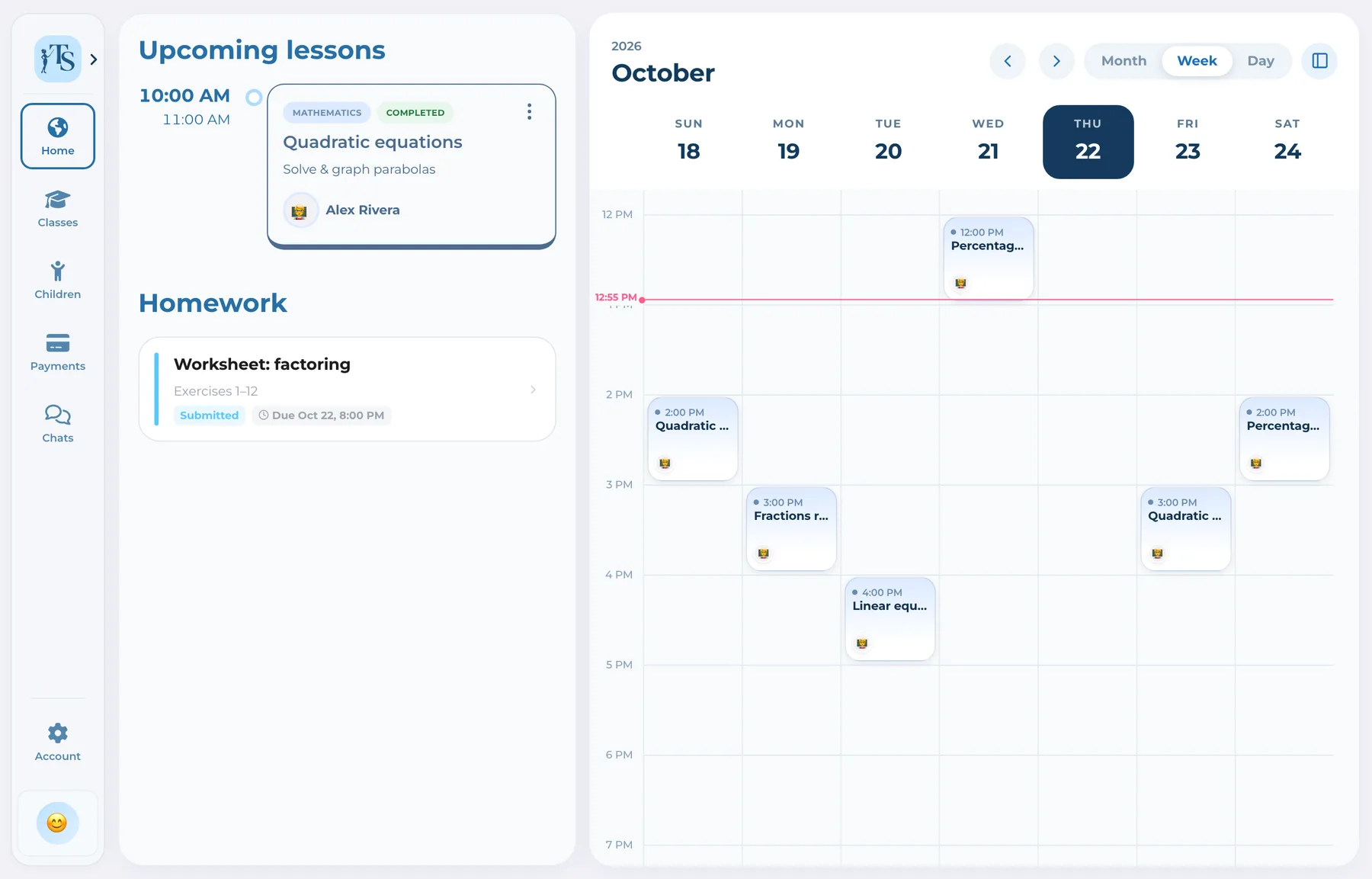
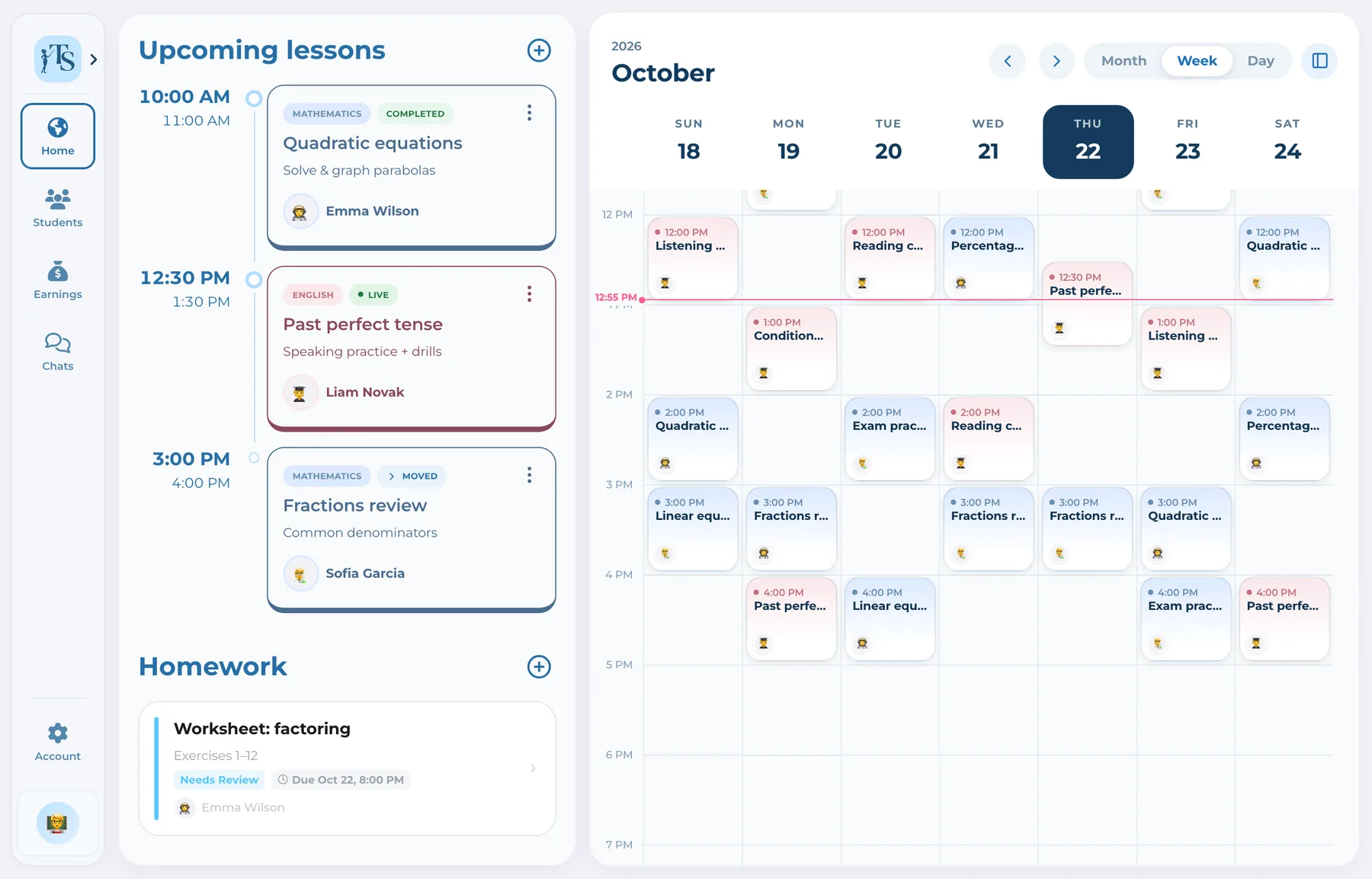
Teach Space turns homework into a connected workflow rather than a file sent through chat. The tutor creates the task, the student submits work, revisions and feedback stay in the history, and AI can assist review while the teacher decides what to accept.
Instructions in one chat, a photo in another and feedback in a voice message make it hard to see what is due, submitted or returned. A structured history gives the tutor and student a shared understanding of the next action.
How it works
Every stage remains visible instead of being buried in a conversation.
Set the assignment in the connected learning context and share the instructions and materials.
Send the completed work from the student account, including supported scanned or attached materials.
Leave feedback, grade where appropriate or use AI assistance as a draft for teacher review.
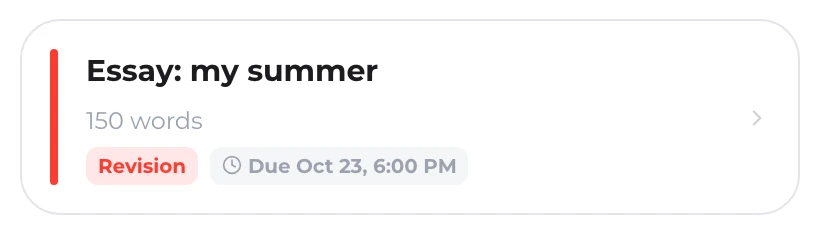
Request changes and keep the revised work and feedback in one understandable history.
One record, not another tab
Know what was assigned, submitted, returned for revision and completed without searching through messages.
TutorParentAI can speed up homework review, but the tutor reviews and decides whether to accept the generated suggestion.
 Student
 Tutor
TutorHomework activity contributes to the broader view of each student’s learning history.
Tutor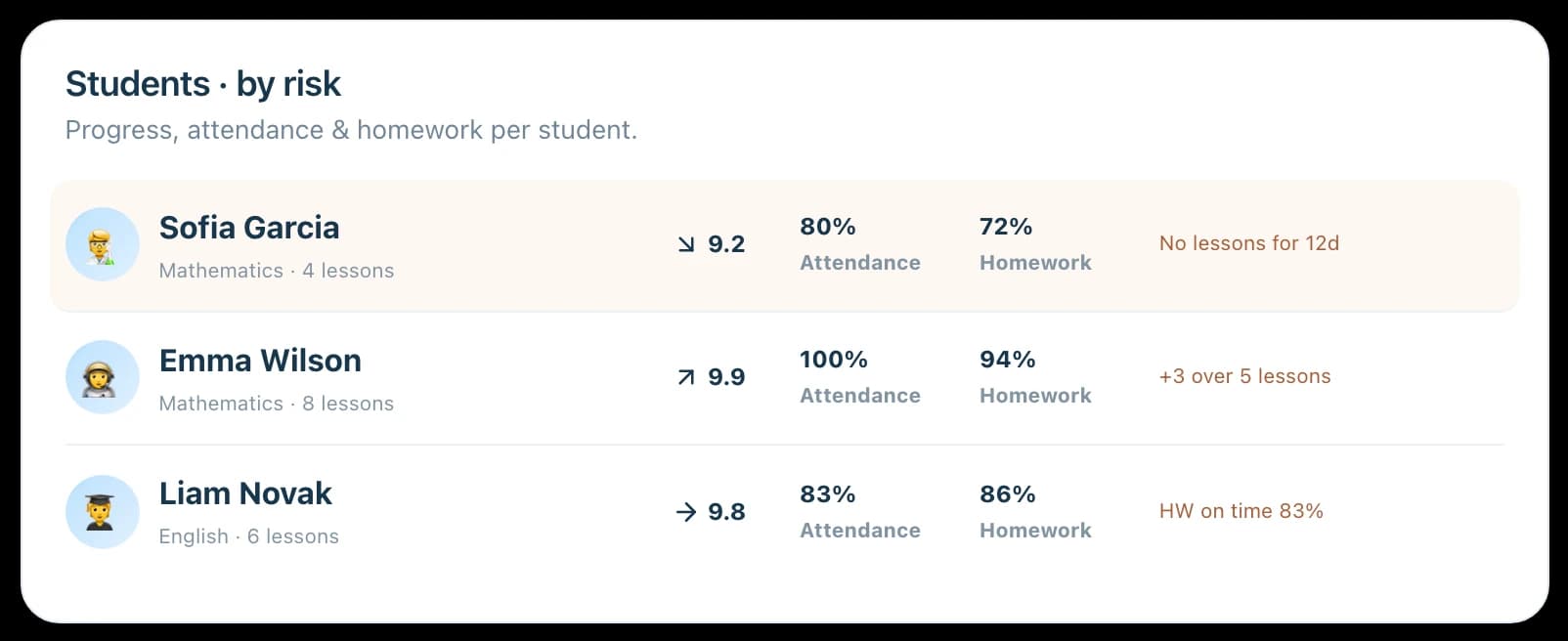
One workflow, connected accounts
 Alex RiveraTutor
Creates tasks, reviews submissions, requests revisions, leaves feedback and controls any AI-assisted review.
Good to know
Answers before you start
Yes. Students can complete the connected submission workflow from their own account rather than sending work through an unrelated messenger.
Yes. The tutor can return work for revision and keep the next submission and feedback in the same history.
AI-assisted review is available within plan limits. The tutor reviews the generated result and chooses whether to accept or discard it.
Connected parents can follow relevant homework context for their child while the student and tutor perform the assignment workflow.
Homework management for tutors
Give every assignment a clear submission, feedback and revision history.