
 .
.

1
Weekly lessons everyone can see
Set the weekly schedule once. You, the student and the parent see the same lesson, each in their own app.
 Teacher sees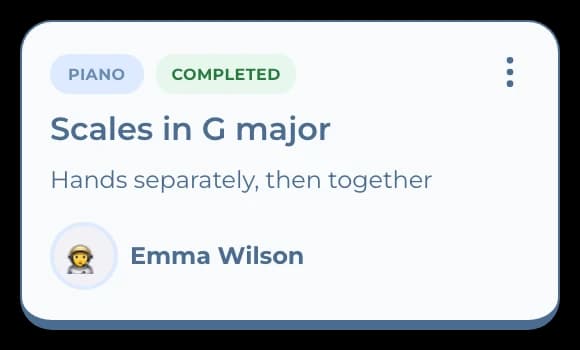
 Parent sees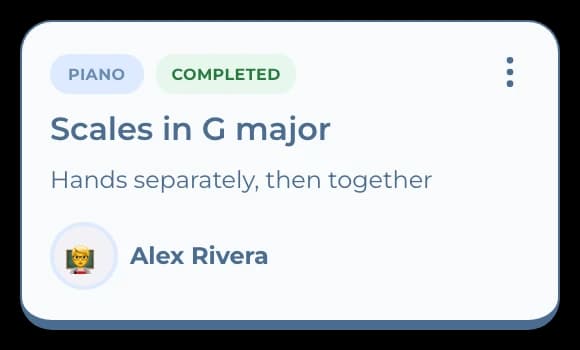
For music teachers
Keep weekly lessons on schedule, set practice as homework, and let parents see lessons and payments in their own app.
How it works
Young students, busy parents, the same time every week.
Set the weekly schedule once. You, the student and the parent see the same lesson, each in their own app.
Teacher seesParent seesGive the piece or exercise with a due date. The student hands it in, you review it, and the parent sees it was done.
Teacher sees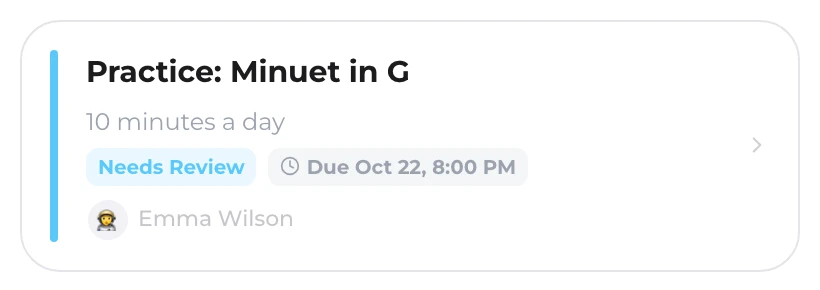 Parent sees
Parents see what's due and pay through your own provider or report a transfer. You confirm, and the lesson shows as paid.
Parent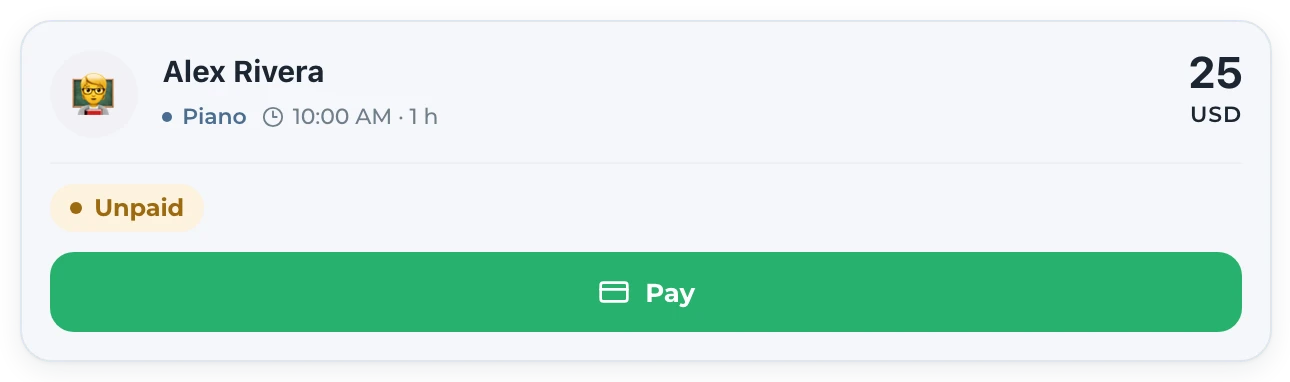 Teacher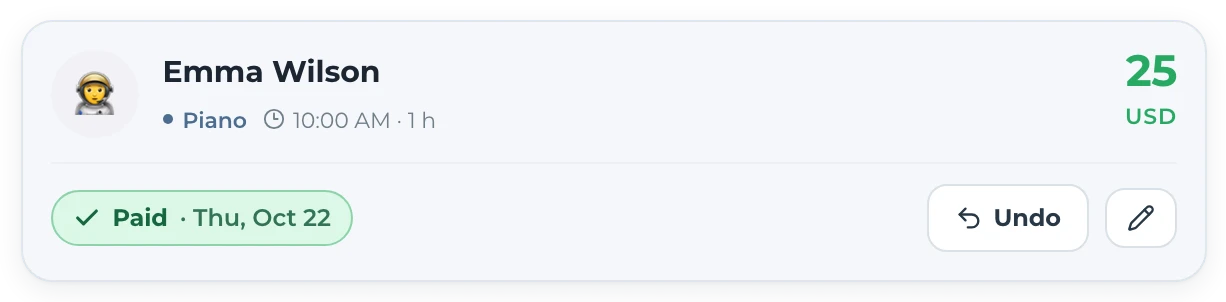
Switching
Three steps, and every family sees the same lesson you do.
Create each class with its schedule.
Every class has an invite link. Students join themselves; younger students join through a parent.
Schedule, homework and payments now show up for all three of you.
Answers before you start
No. It is for everyone who teaches. Music teachers use the same lessons, homework and payments as tutors and schools.
Yes. Students under 16 join through a parent, who then sees their lessons, homework and payments.
No. Student and parent accounts are free; the teacher's plan covers the class.
For music teachers
Every account starts with 7 days, free and without a card.