

1
Real student actions
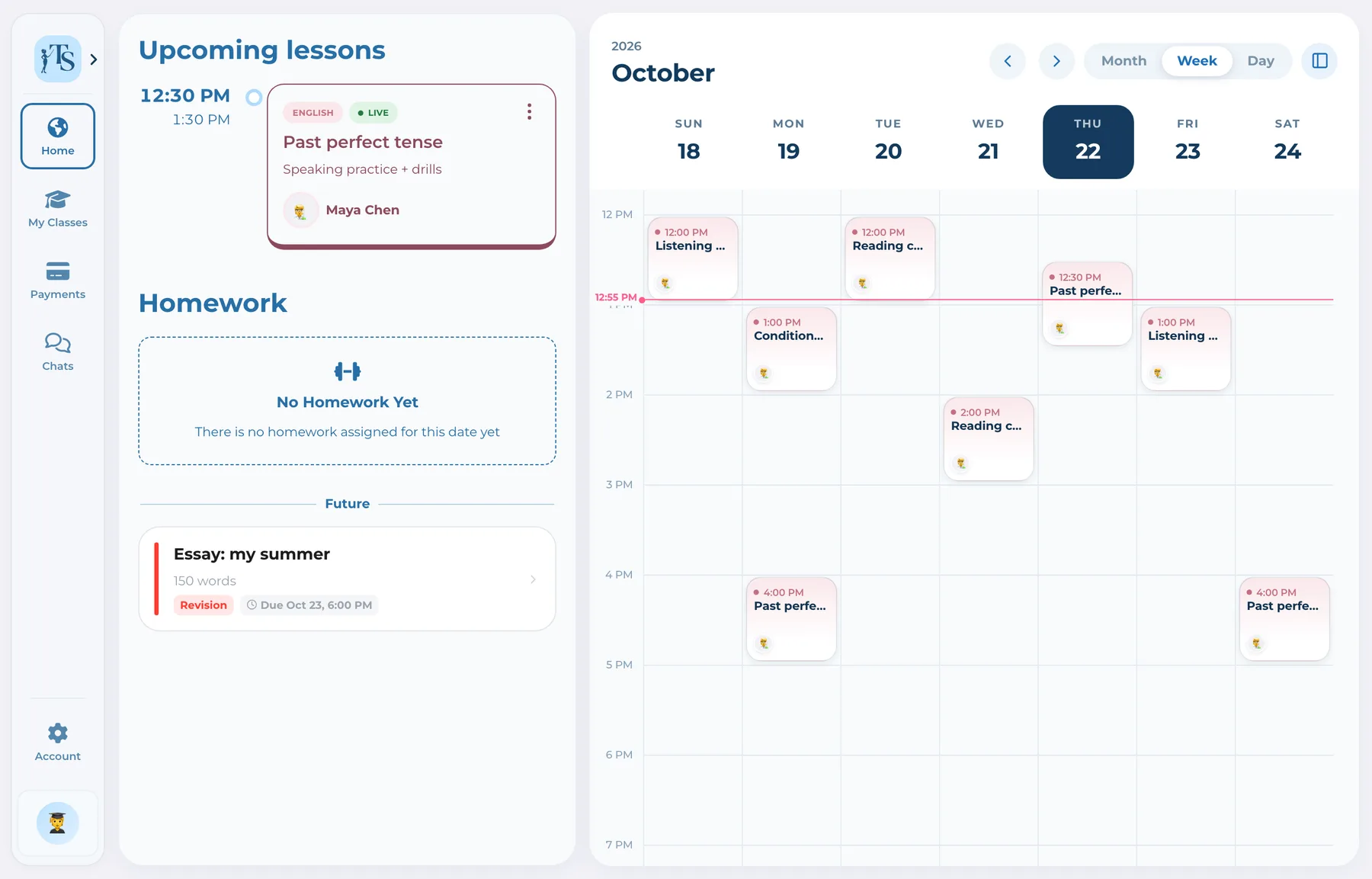
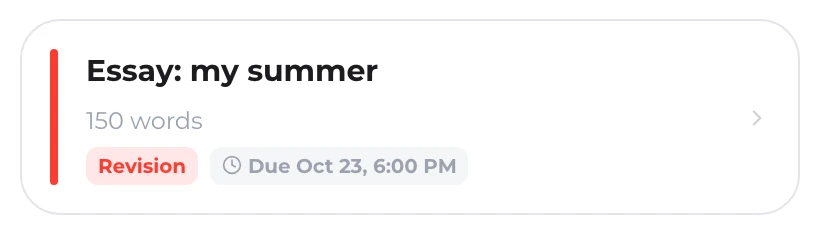
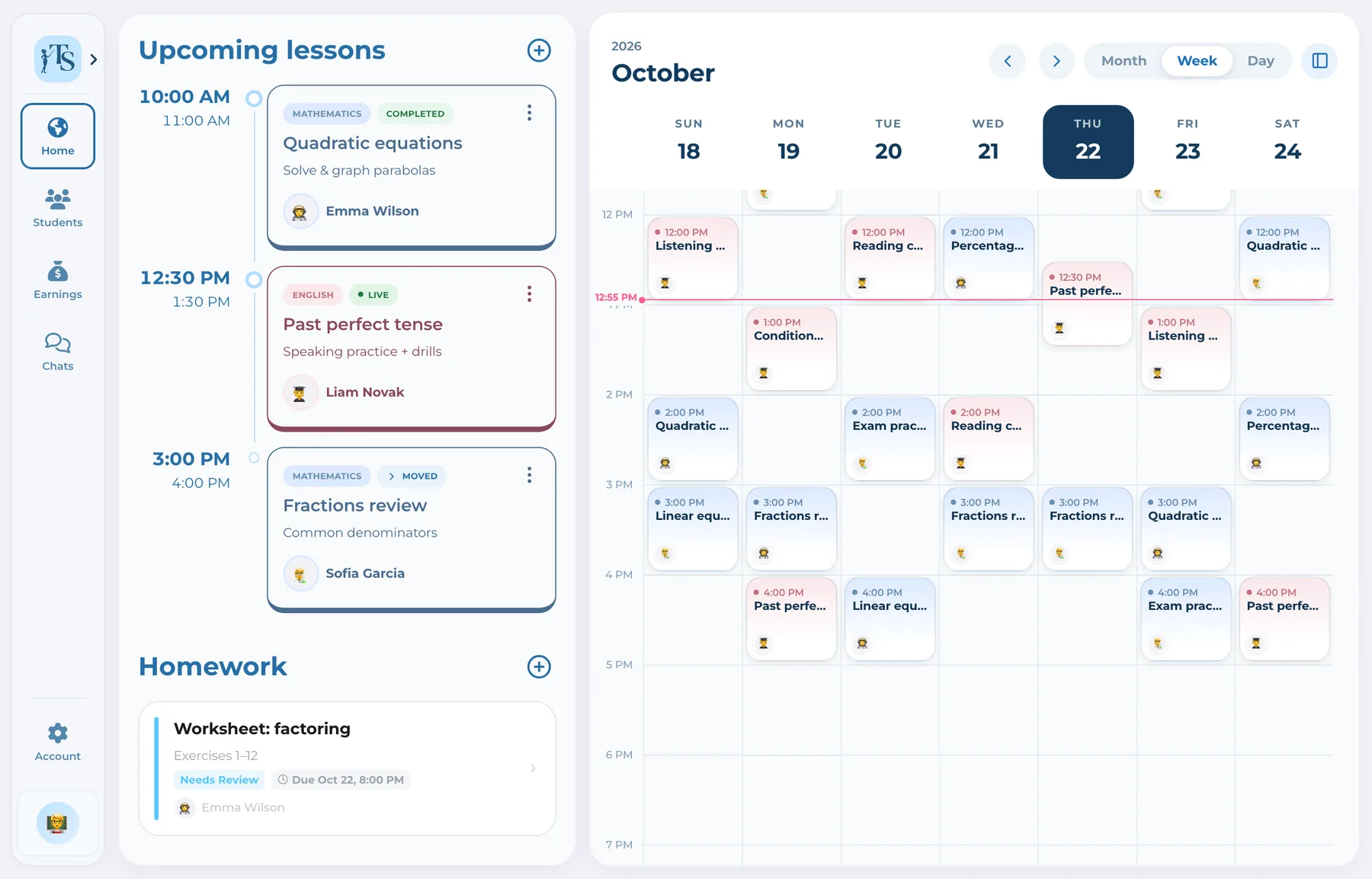
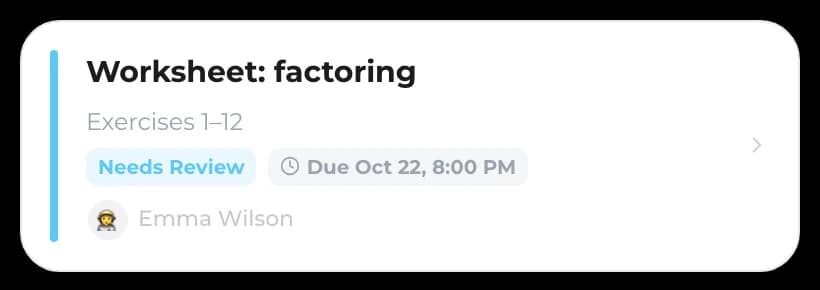
Students do more than view a timetable: they submit and revise homework, collaborate and communicate.
 Student
 Student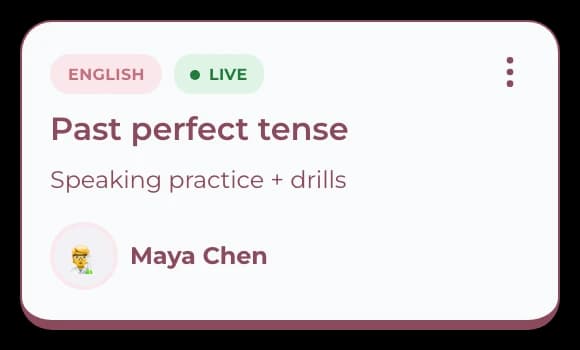
Student and parent accounts
Teach Space is led by the tutor but shared with the people around each lesson. Students complete learning actions from their own accounts, while parents connect to their child and participate in the schedule, progress, communication and payment workflow.
When students cannot submit work and parents cannot report a payment or communicate in context, the tutor becomes a manual bridge between everyone. Connected accounts let each participant handle the right action while the tutor keeps control of the class.
How it works
Each account reveals the same teaching relationship from the role that uses it.
The tutor organizes the class, schedule and learning context and sends the appropriate invitation.
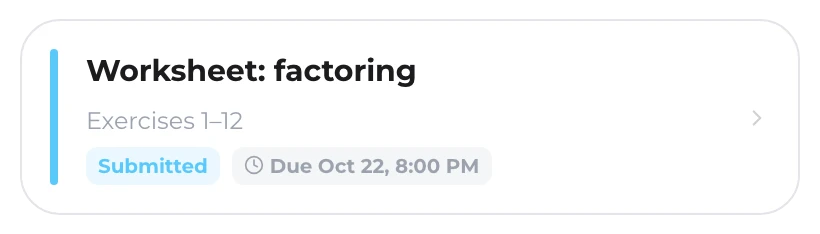
The student sees lessons, opens materials, collaborates on whiteboards and submits homework.
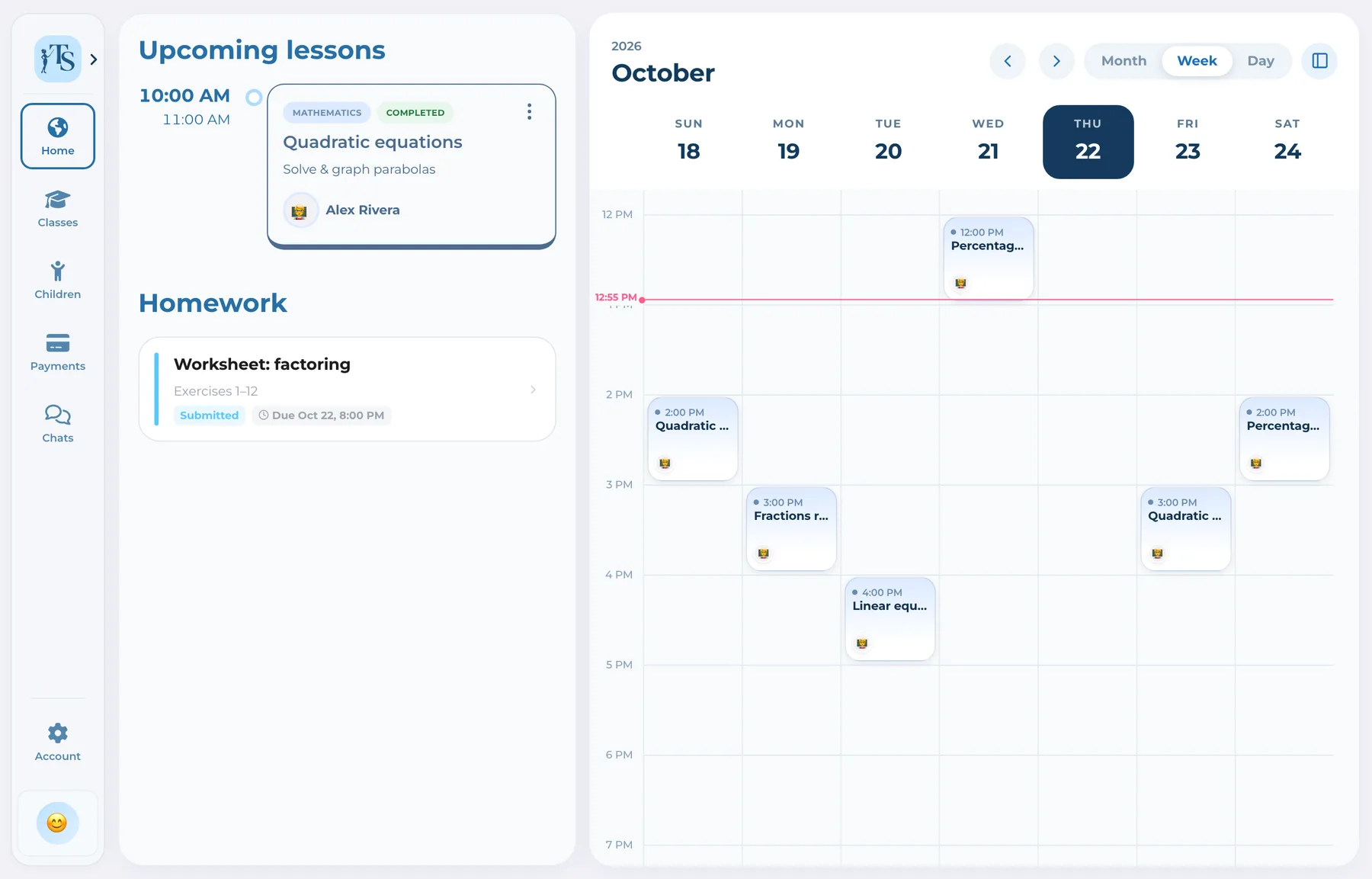
The parent follows relevant learning and payment context, including more than one connected child where applicable.
Messages, homework, schedules and payment reports remain connected to the ongoing work.
One record, not another tab
Students do more than view a timetable: they submit and revise homework, collaborate and communicate.
StudentStudentParents follow the relevant child context, communicate with the tutor and report offline payments.
 Parent
 Parent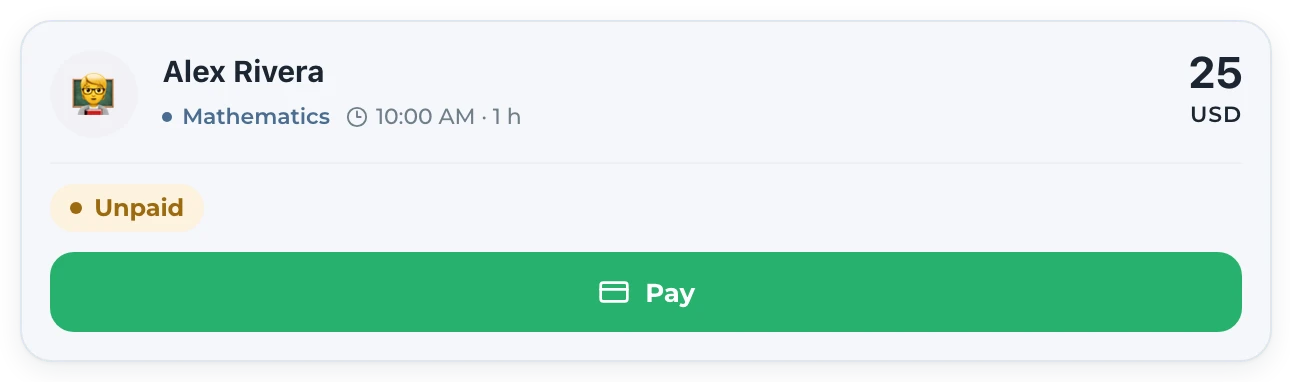
The tutor no longer has to recreate the same update independently for every participant and tool.
 Tutor
Tutor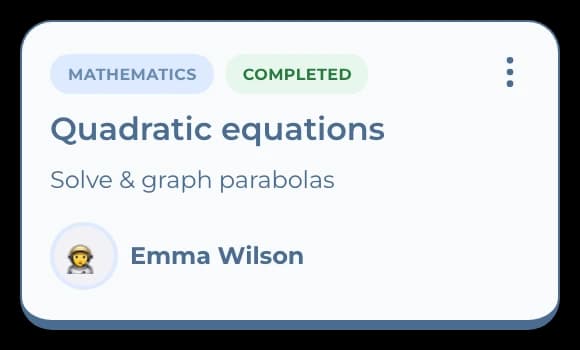 Parent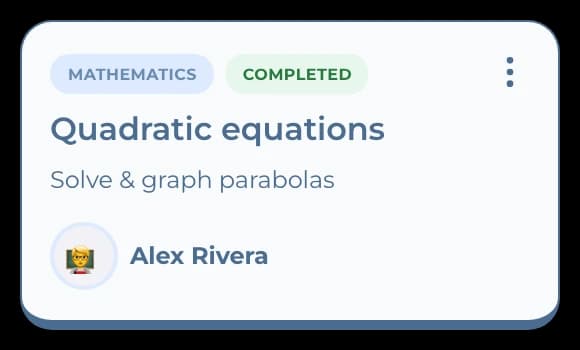
One workflow, connected accounts
 Alex RiveraTutor
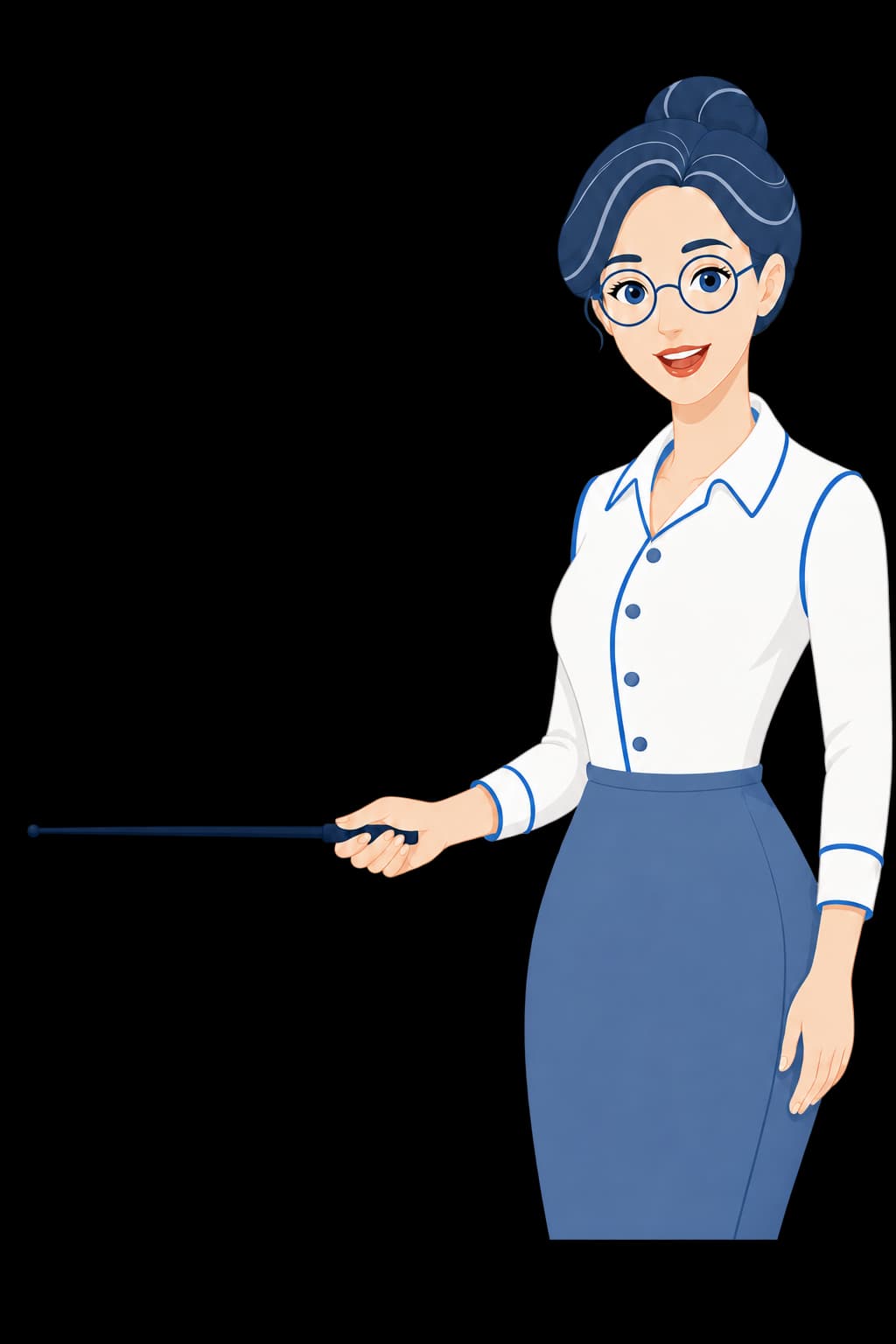
Controls the class structure, assignments, records and confirmations while inviting the other participants.
Good to know
Answers before you start
Yes. Students can use a role-specific account to see relevant lessons, access materials, work on whiteboards, submit homework and message the tutor.
Connected parents can follow relevant schedule, homework, progress and payment status, report offline payments and communicate with the tutor.
The parent experience is designed around connected child relationships, including handling multiple children where those connections exist.
Yes. The tutor creates and manages the teaching structure and confirms important records such as reported offline payments.
Student and parent accounts
Let everyone participate from a connected account while the tutor keeps the full teaching context.