

1
Open the next lesson prepared
Check the schedule, attendance and materials connected to each class before you teach.
 Tutor
Tutor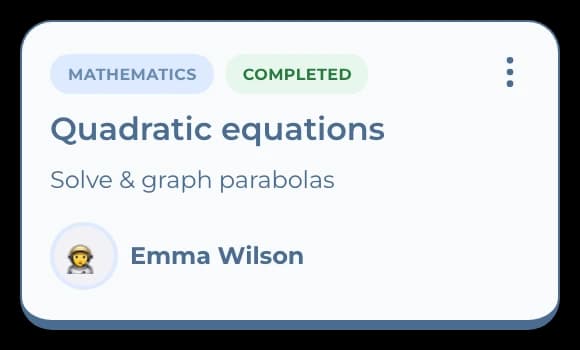
 Student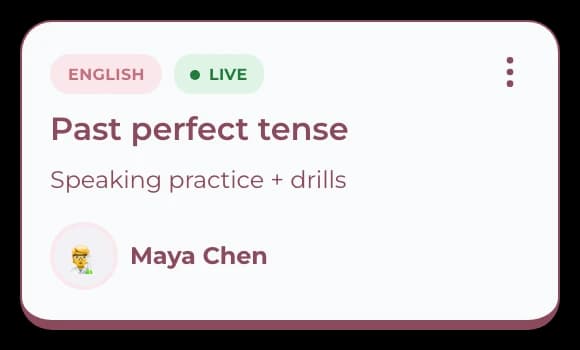
Tutor management software
Keep the schedule, lesson plan, homework, progress and payment status with the class they belong to. See what needs attention, then get back to teaching.
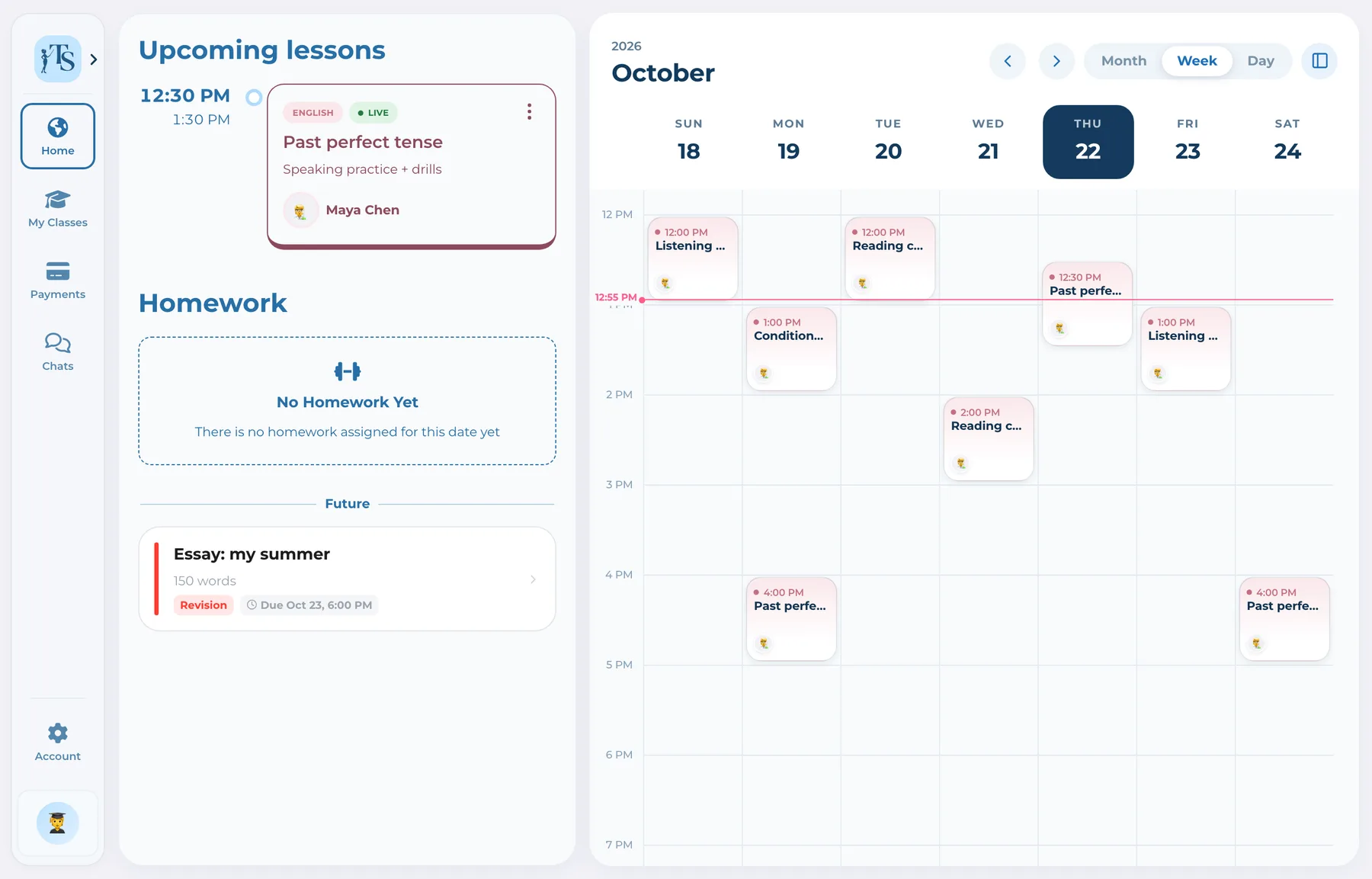
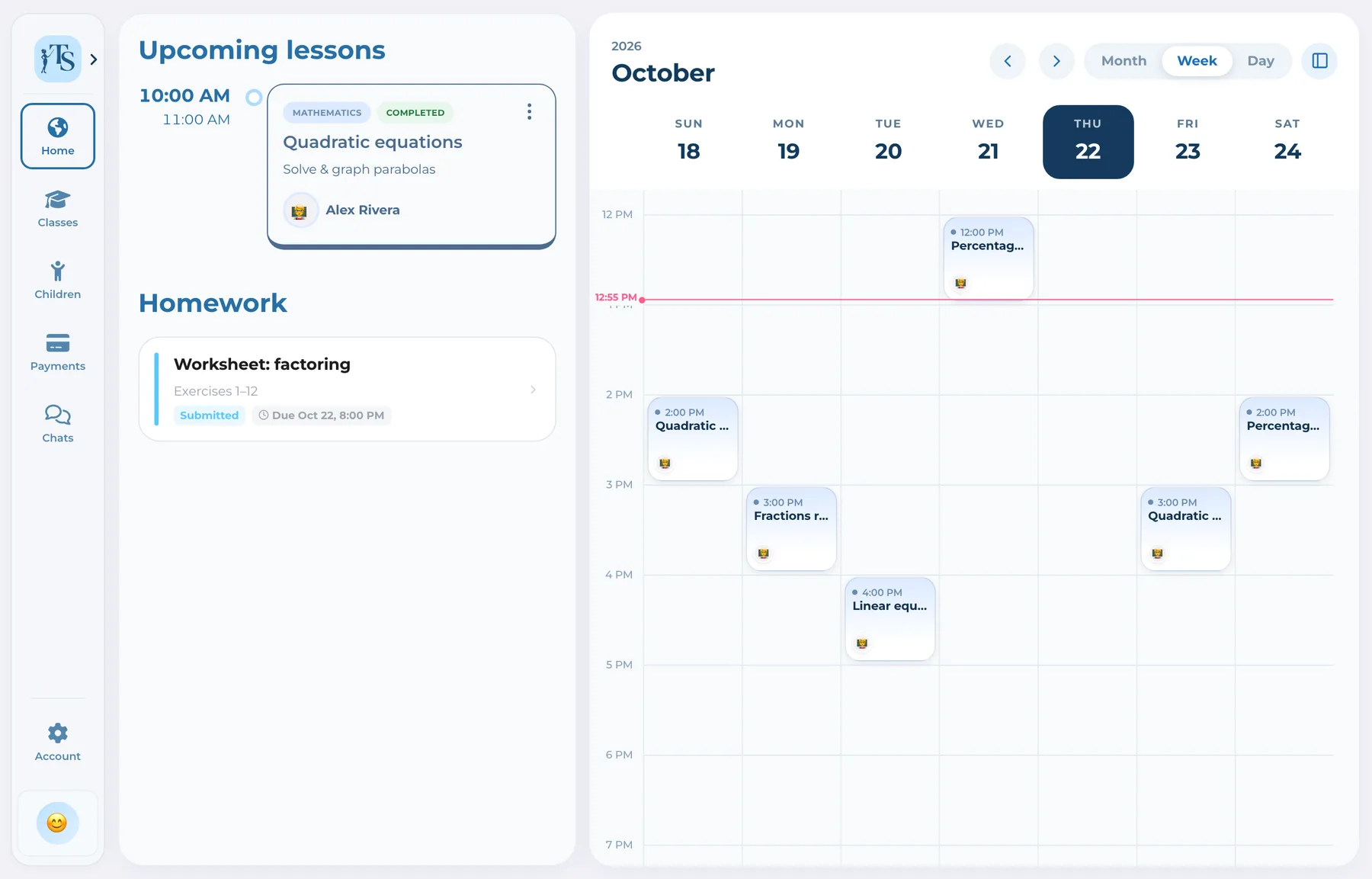
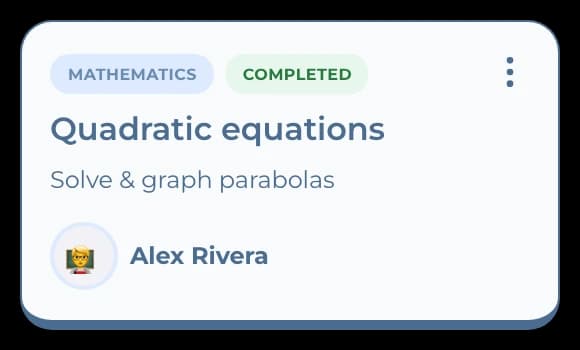
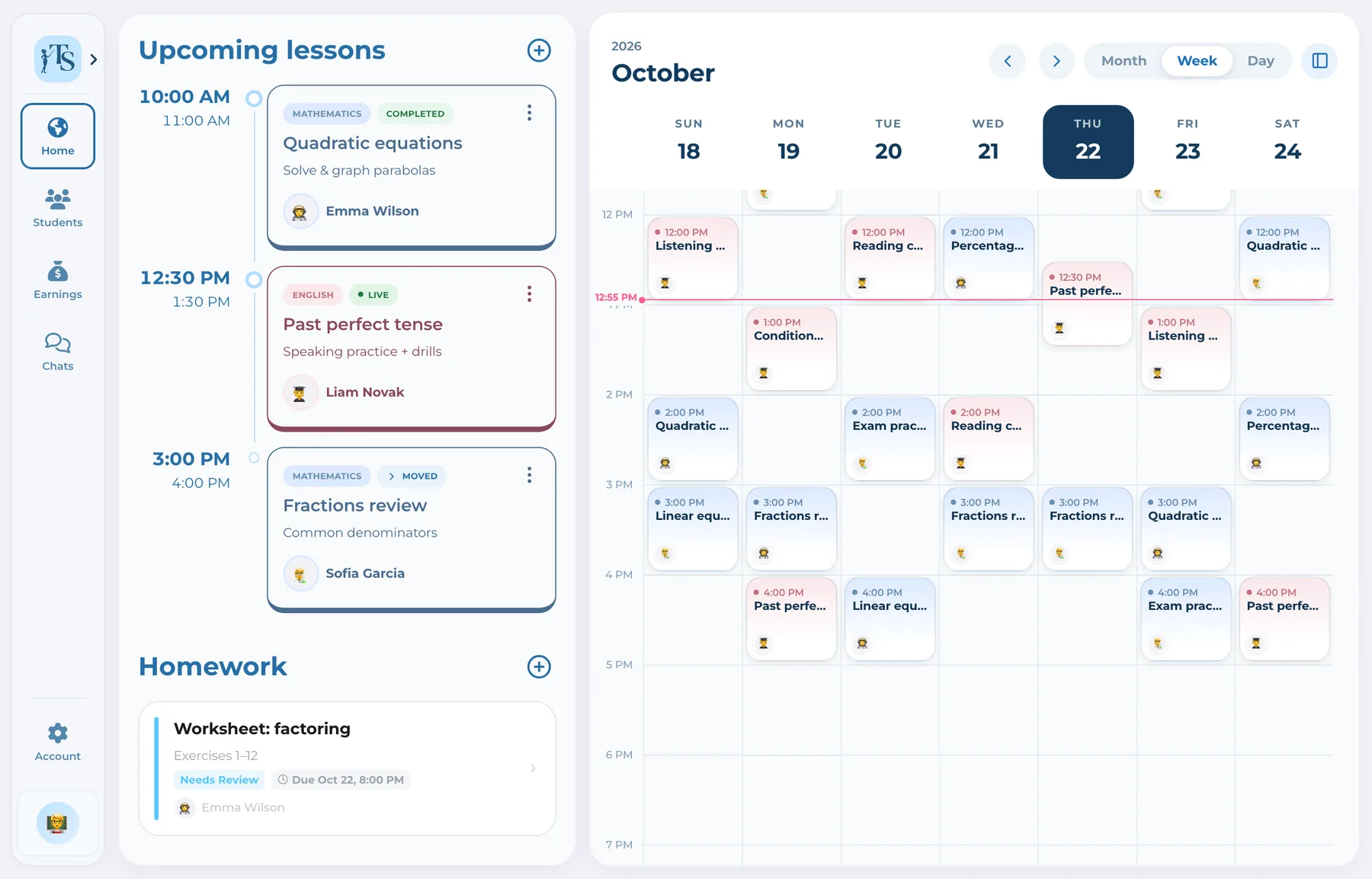
The overview puts upcoming lessons and homework in view. Open a class to see its schedule, materials, student progress and payment status.
How it works
Schedule the class, teach, review work and reconcile payments. Each step stays connected to the student.
Create individual or group lessons, set their duration and keep attendance with the class record.
Open materials and use the live whiteboard during an in-person lesson or alongside your preferred calling tool.
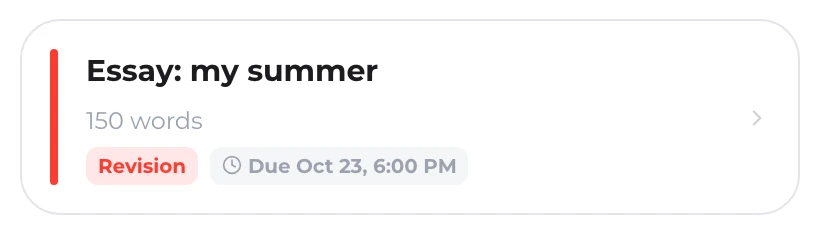
Assign homework, review submissions, ask for revisions and leave feedback the student can find later.
See paid, pending and unpaid lessons. Confirm a reported transfer or cash payment, or offer online checkout through your connected provider where available.
One record, not another tab
Check the schedule, attendance and materials connected to each class before you teach.
TutorStudentAssign work, review submissions and find the feedback and progress you need for the next lesson.
Tutor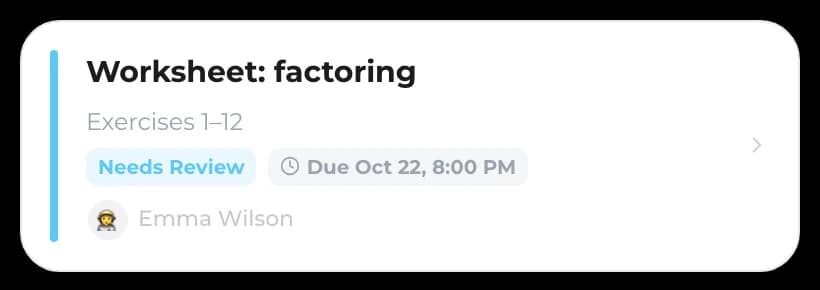
 Parent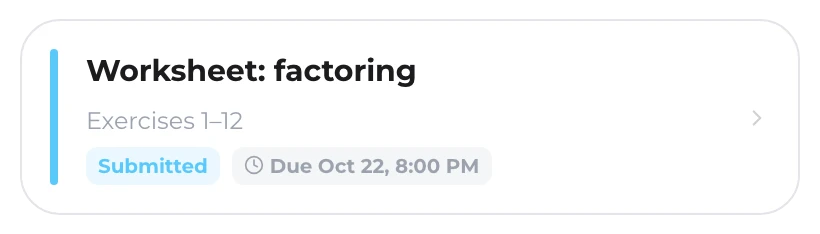
See which lessons are paid or waiting. Confirm a reported transfer or cash payment, or use your connected provider for cards where supported.
Parent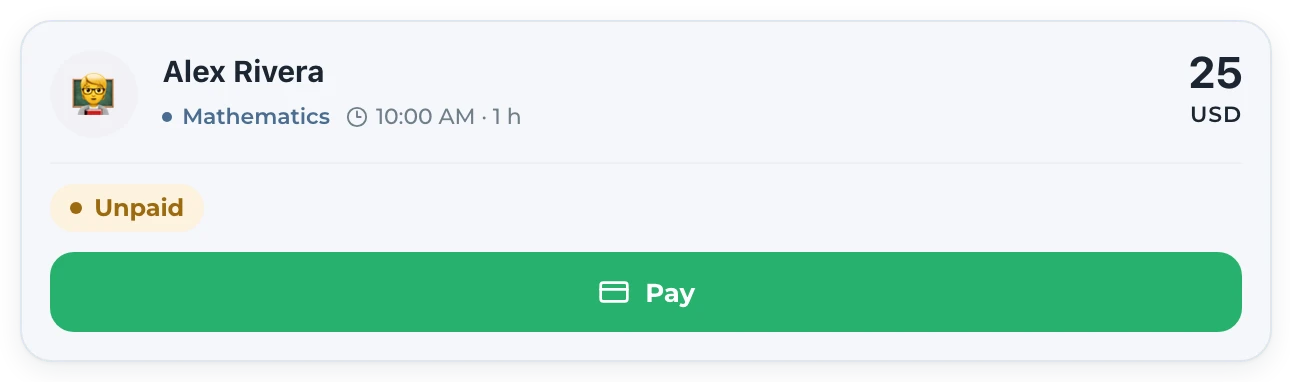 Tutor
Tutor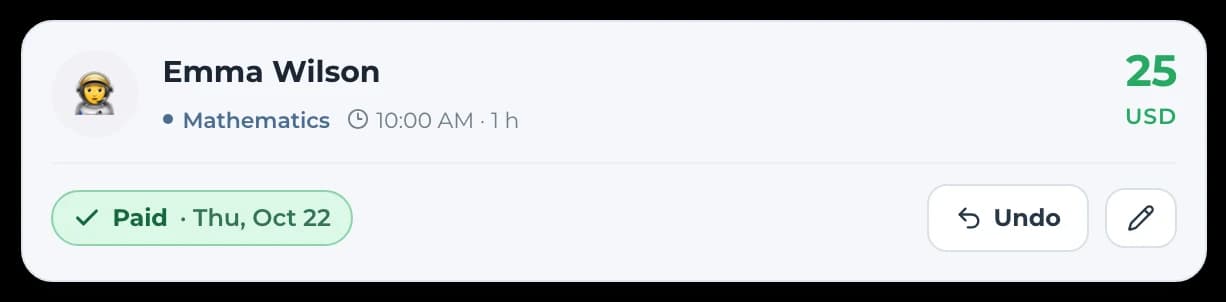
One workflow, connected accounts
 Alex RiveraTutor
Creates the learning structure and manages lessons, attendance, assignments, progress, chats and payment records.
View plans
Every account starts with 7 days, free and without a card.
Plus
$9.99/month
More students. More room to create.
Pro
$19.99/month
One plan for you and your teachers.
Subscribe on the Teach Space website or in the iOS or Android app. Manage your subscription where you purchased it. Prices may vary by region and platform.
Good to know
Answers before you start
It is designed primarily for private and independent tutors who manage recurring or one-off lessons and want their teaching records, students and payments in one workspace on web and mobile.
Yes. They receive connected accounts with role-specific actions. They participate in the workflow rather than only viewing a tutor-only dashboard.
No. Teach Space organizes the lesson workflow, whiteboard, homework, progress, communication and payment records while you continue using your preferred calling tool when a call is needed.
Yes. You can start with a single student: the first 7 days are free, no card needed. After that, choose Plus or Pro as your practice grows.
Where supported, a tutor can connect their own payment provider. Families complete checkout with that provider and Teach Space shows the resulting payment status. Tutors can also track transfers and cash payments.
Tutor management software
Start with 7 days free. Add a class, set its schedule and keep the follow-up in the same place.