

1
Individual and group lessons
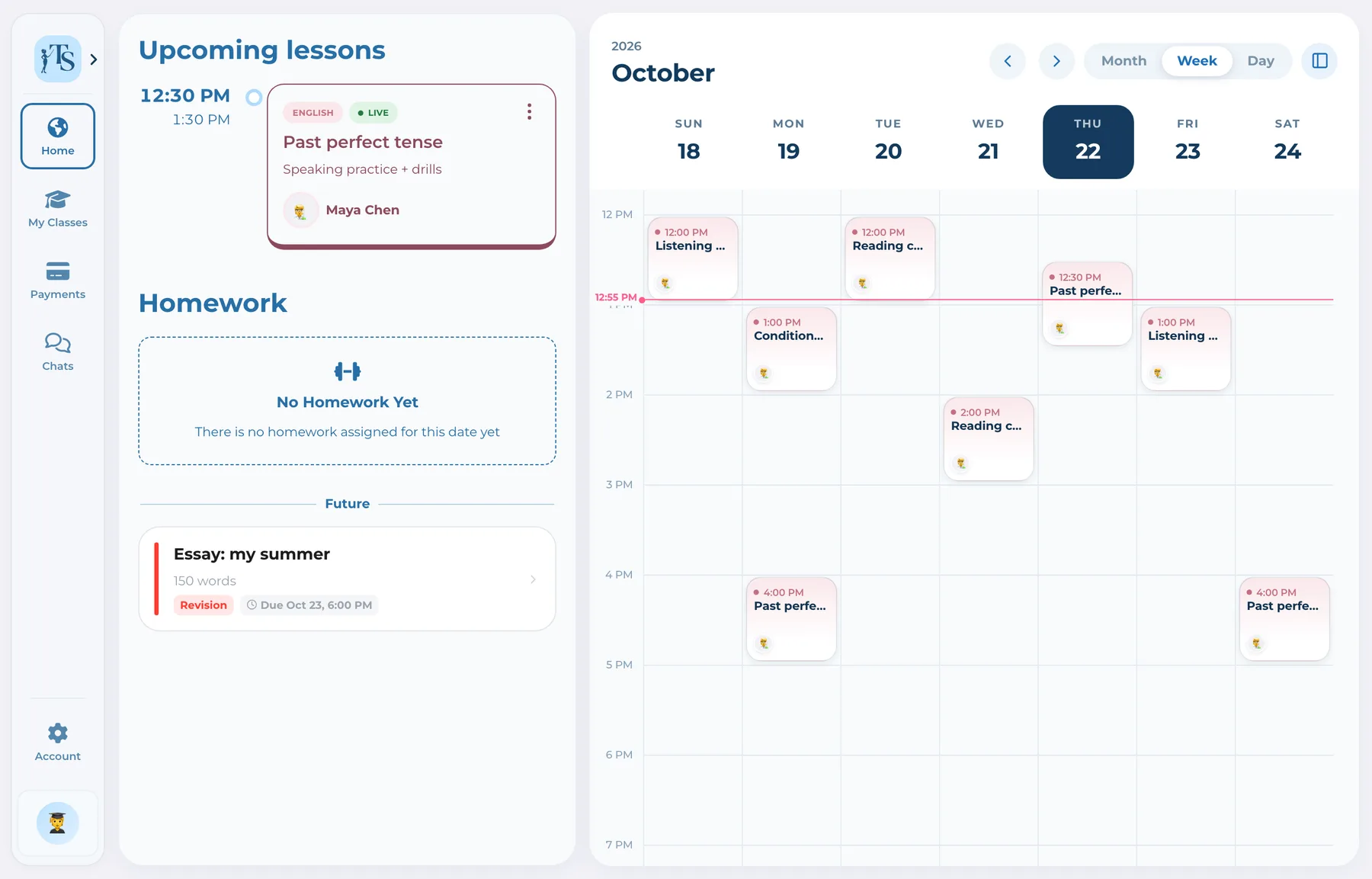
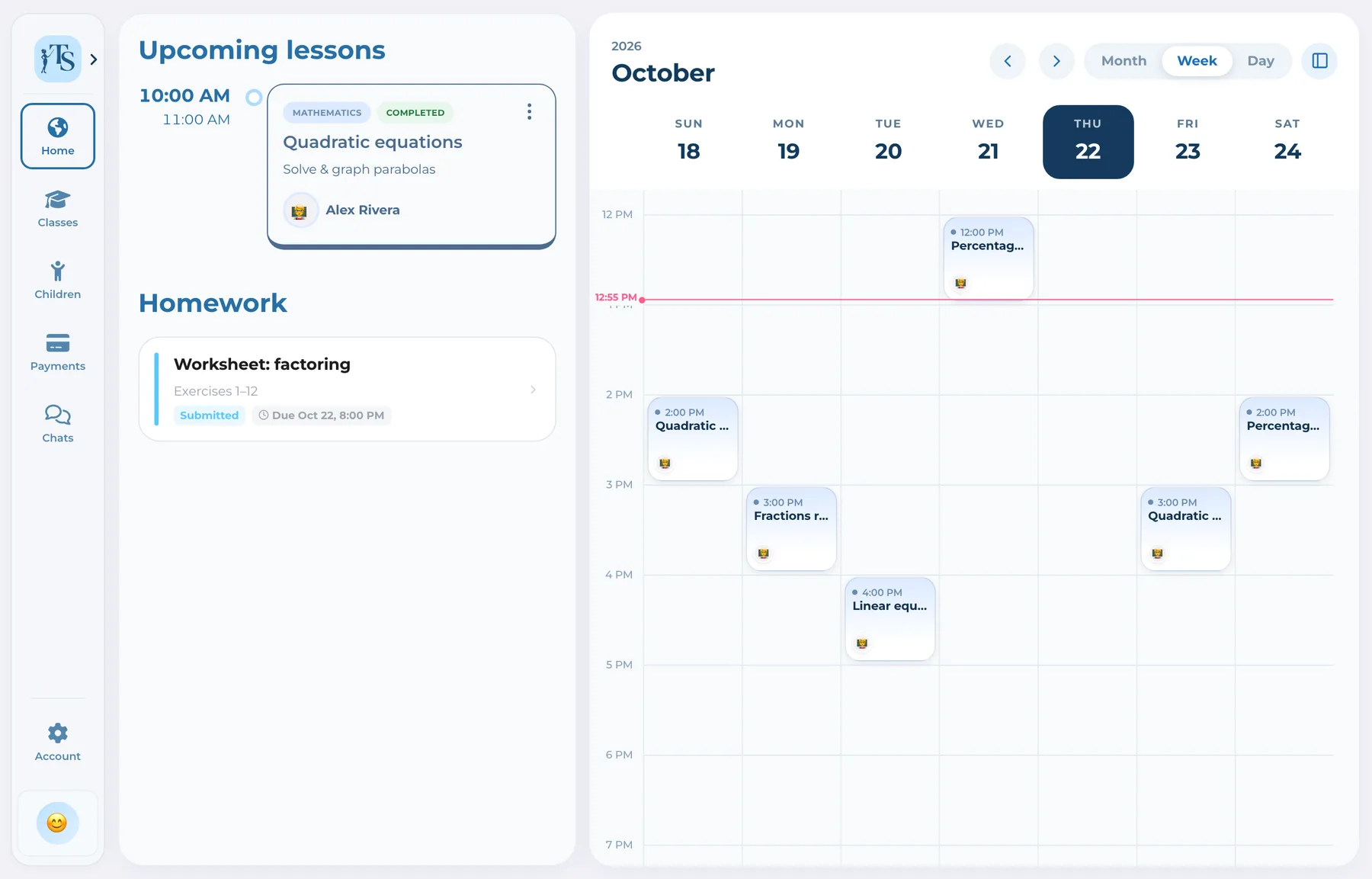
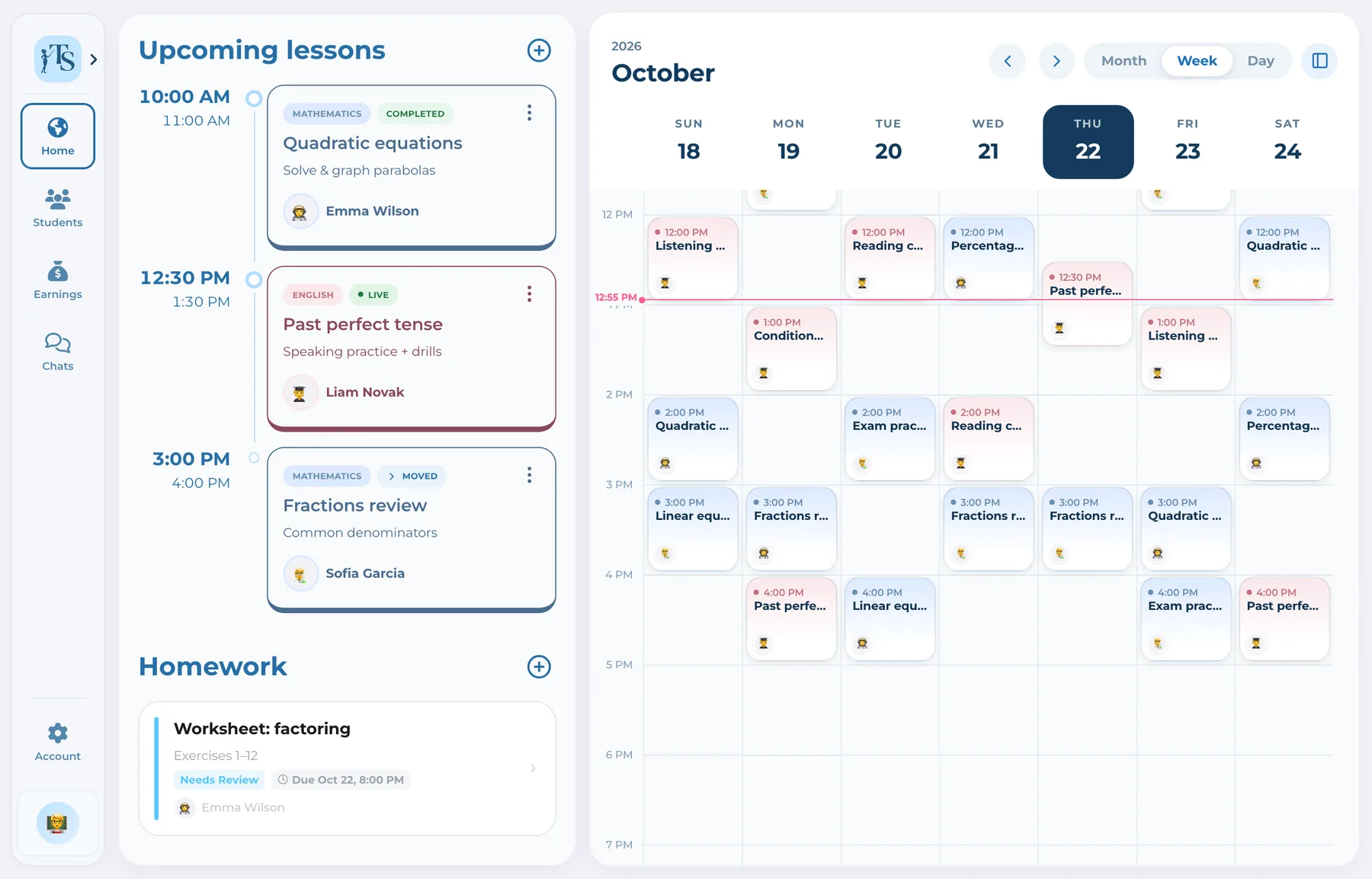
Keep both formats in one tutor calendar without separating group activity from the students involved.
 Tutor
Tutor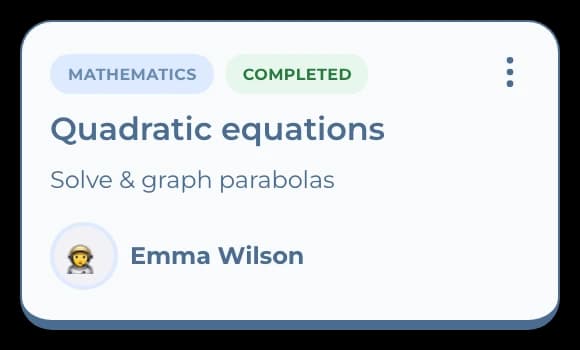
 Parent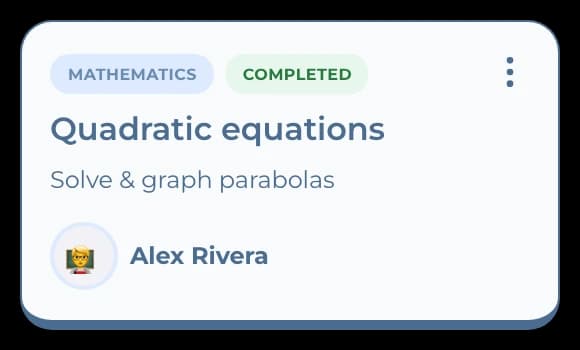
Tutor scheduling software
Teach Space organizes individual and group lessons while keeping each event connected to attendance, materials, homework, progress and payment status. The schedule becomes the start of the workflow instead of a dead-end reminder.
Private tutors need to know more than the time. Who attends, what subject or class the lesson belongs to, what materials are needed, what happened afterward and whether the lesson was paid all matter. Teach Space keeps that context attached to the work.
How it works
Move from the next lesson to attendance and follow-up without re-entering the same details.
Organize individual or group activity with its time, duration, class and participants.
Keep lesson materials and the connected student or subject workspace close to the schedule.
Mark attendance so the lesson history and downstream progress remain accurate.
Use the completed lesson context to review expected earnings and payment status.
One record, not another tab
Keep both formats in one tutor calendar without separating group activity from the students involved.
TutorParentThe schedule records not only what was planned but what actually happened.
Tutor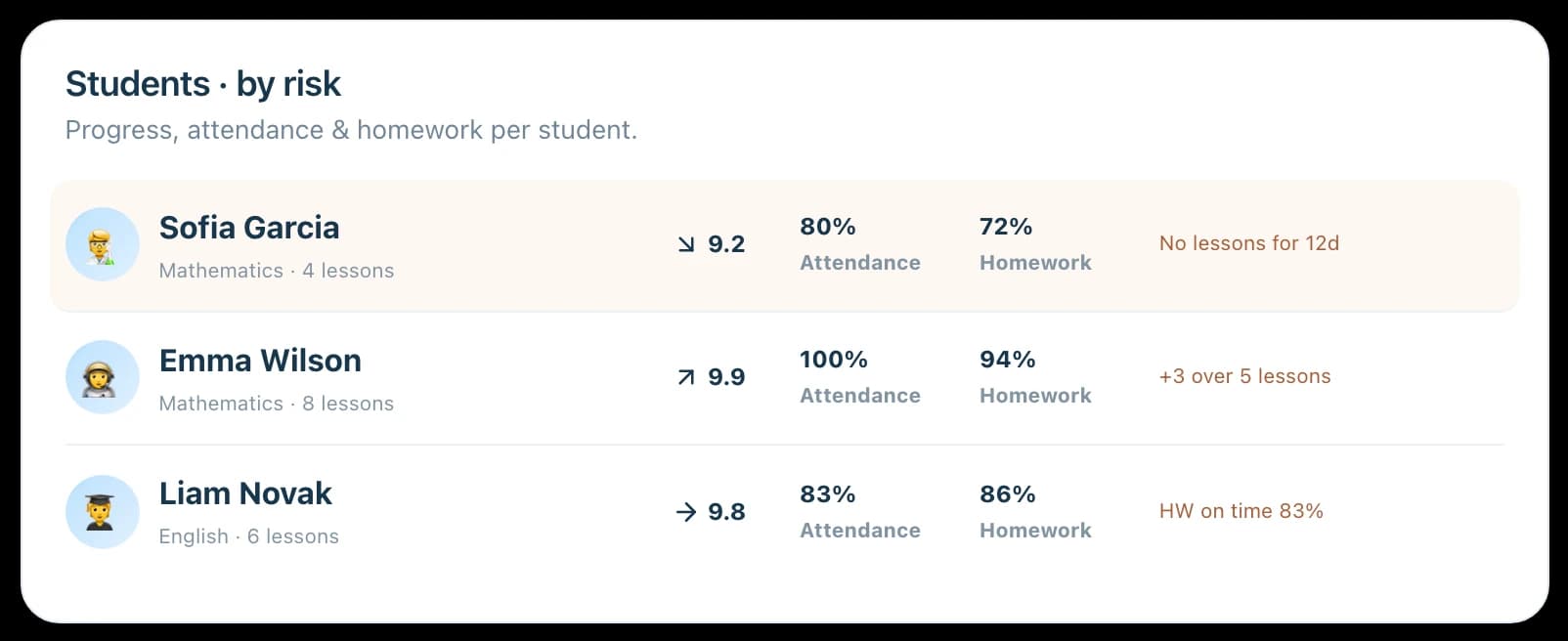
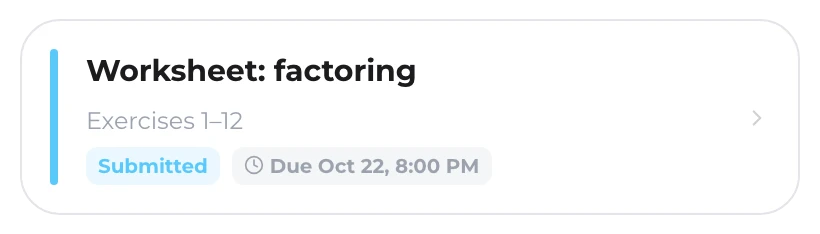
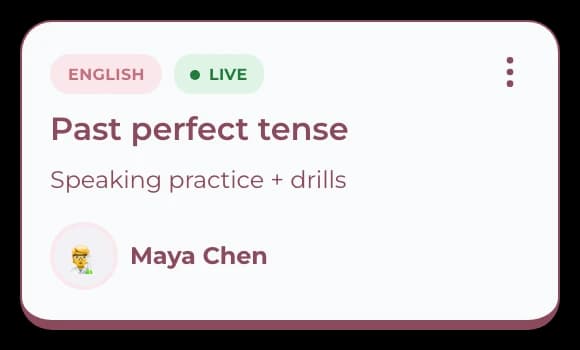
Move naturally from a lesson to materials, homework, progress and payment rather than updating separate tools.
Tutor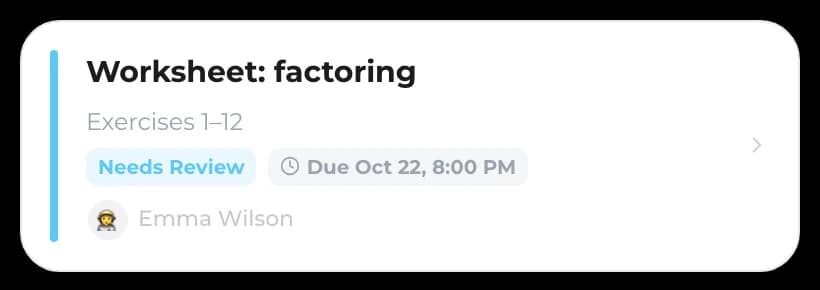
 Student
One workflow, connected accounts
 Alex RiveraTutor
Plans lessons and keeps attendance, materials, homework follow-up and payment context under control.
Good to know
Answers before you start
Yes. Teach Space supports individual and group lesson context so attendance and related learning records stay connected.
Yes. Attendance is part of the lesson workflow and contributes to an accurate history for the tutor and student.
Teach Space is built around ongoing tutoring relationships and recurring lesson operations as well as individual lesson records.
Connected parents can follow the relevant schedule for their child from their own role-specific account.
Tutor scheduling software
Plan the lesson once, then carry its context into attendance, learning and payment records.