

1
Real-time collaboration
Tutor and student can solve, explain and annotate on a shared surface.
 Tutor
Tutor
 Student
Collaborative whiteboard for tutoring
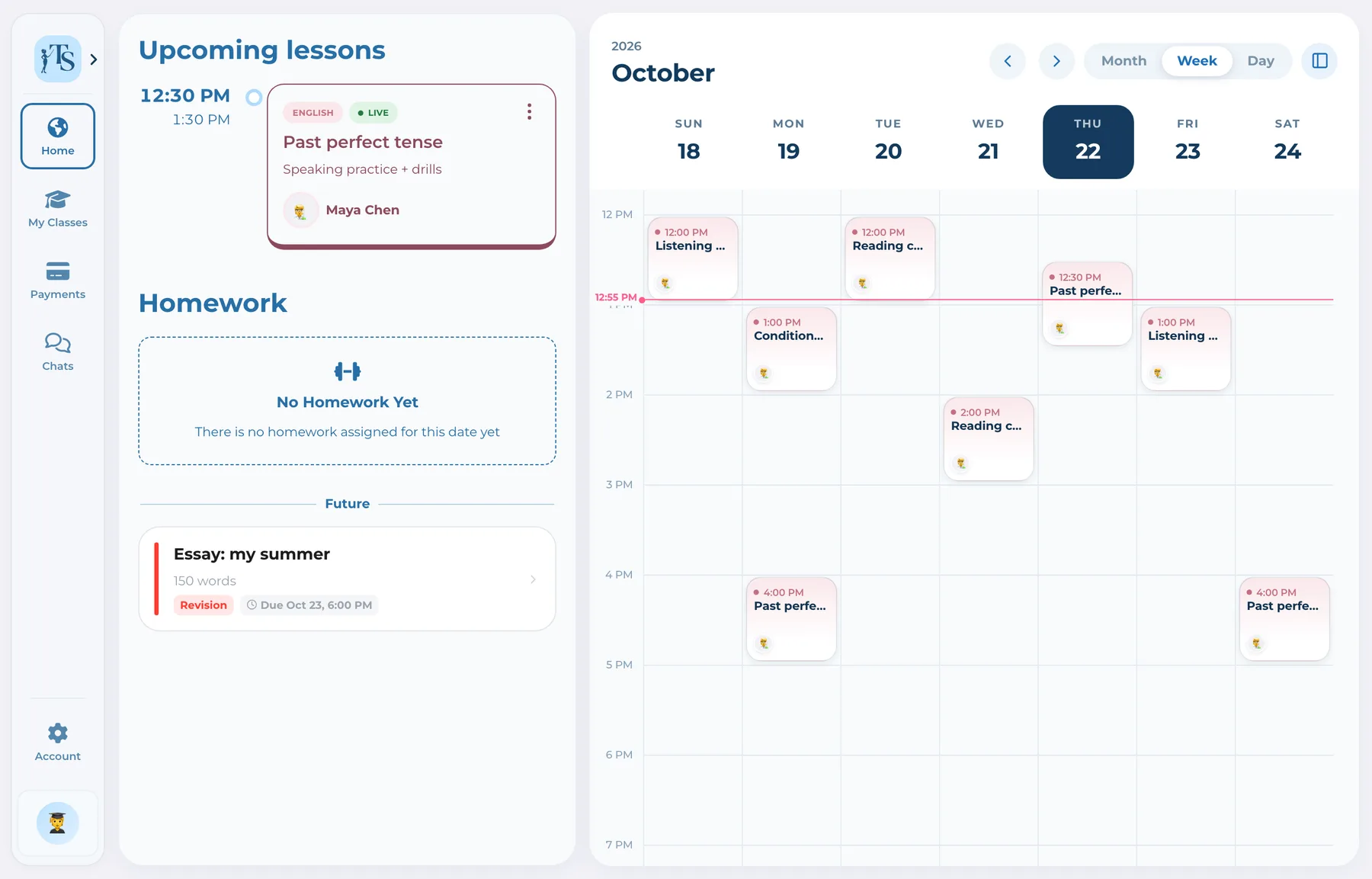
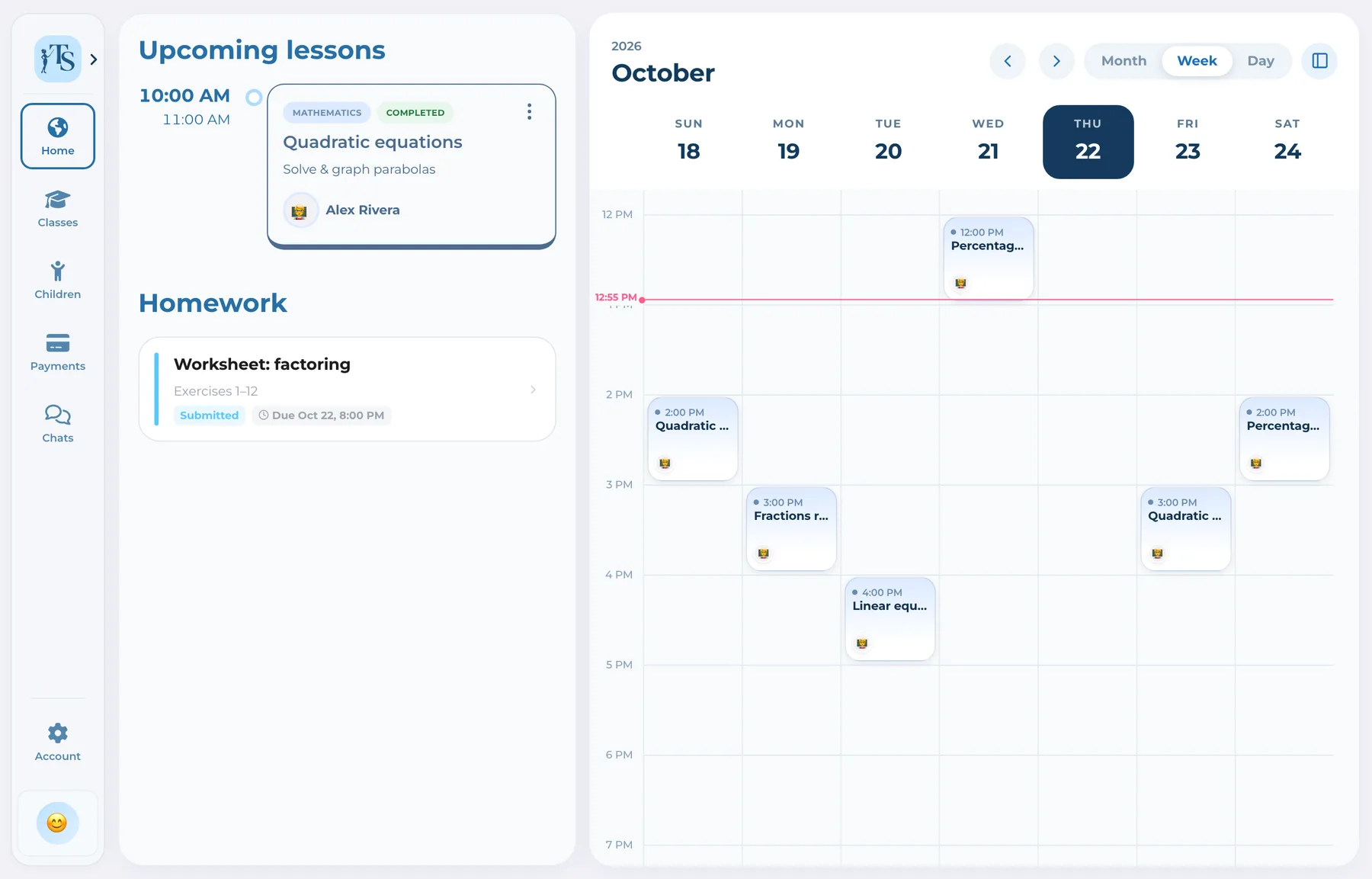
The Teach Space whiteboard gives tutors and students a shared surface for explaining, solving and annotating in real time. Unlike a separate board link, it sits inside the same environment as lessons, homework and the student relationship.
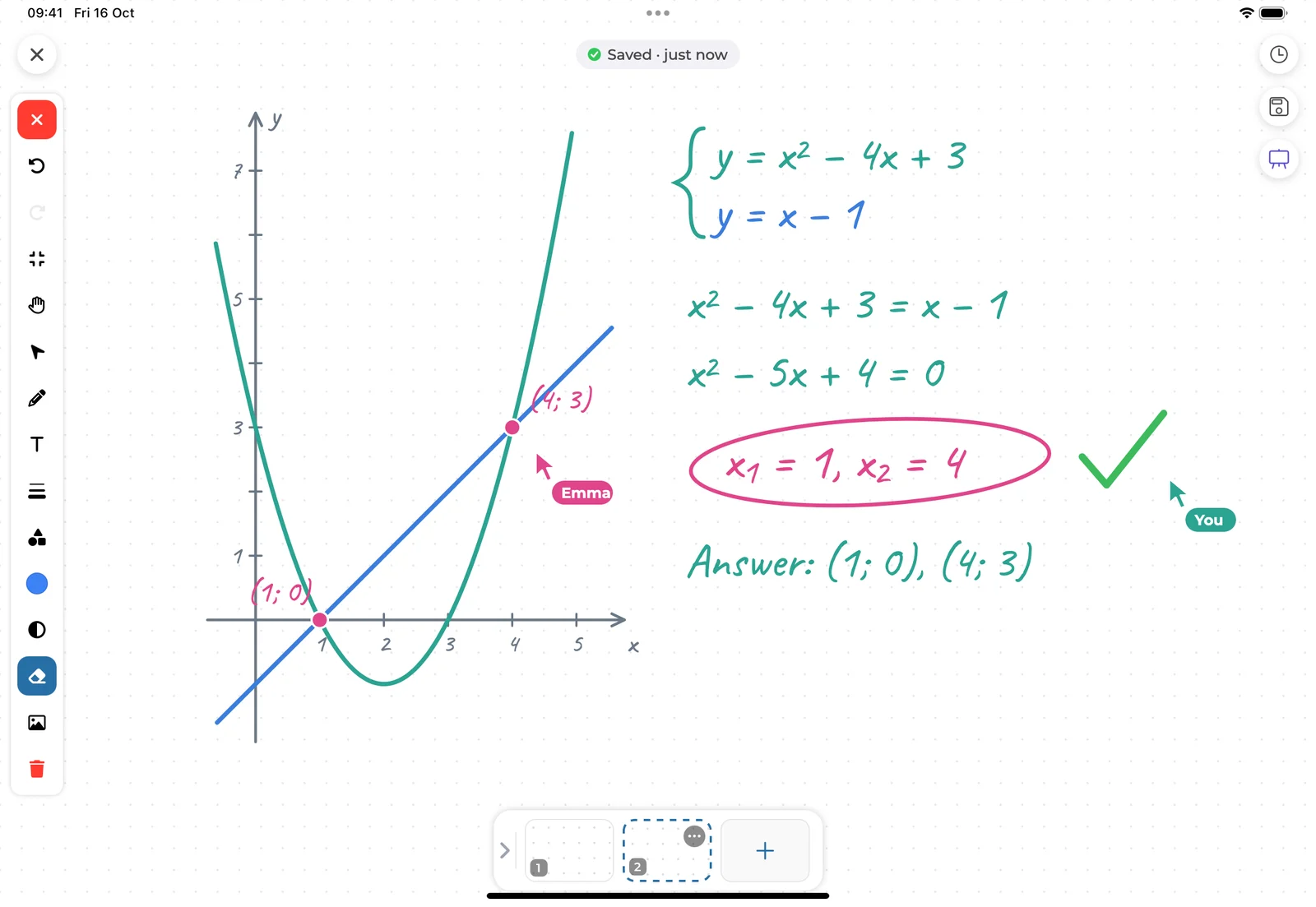
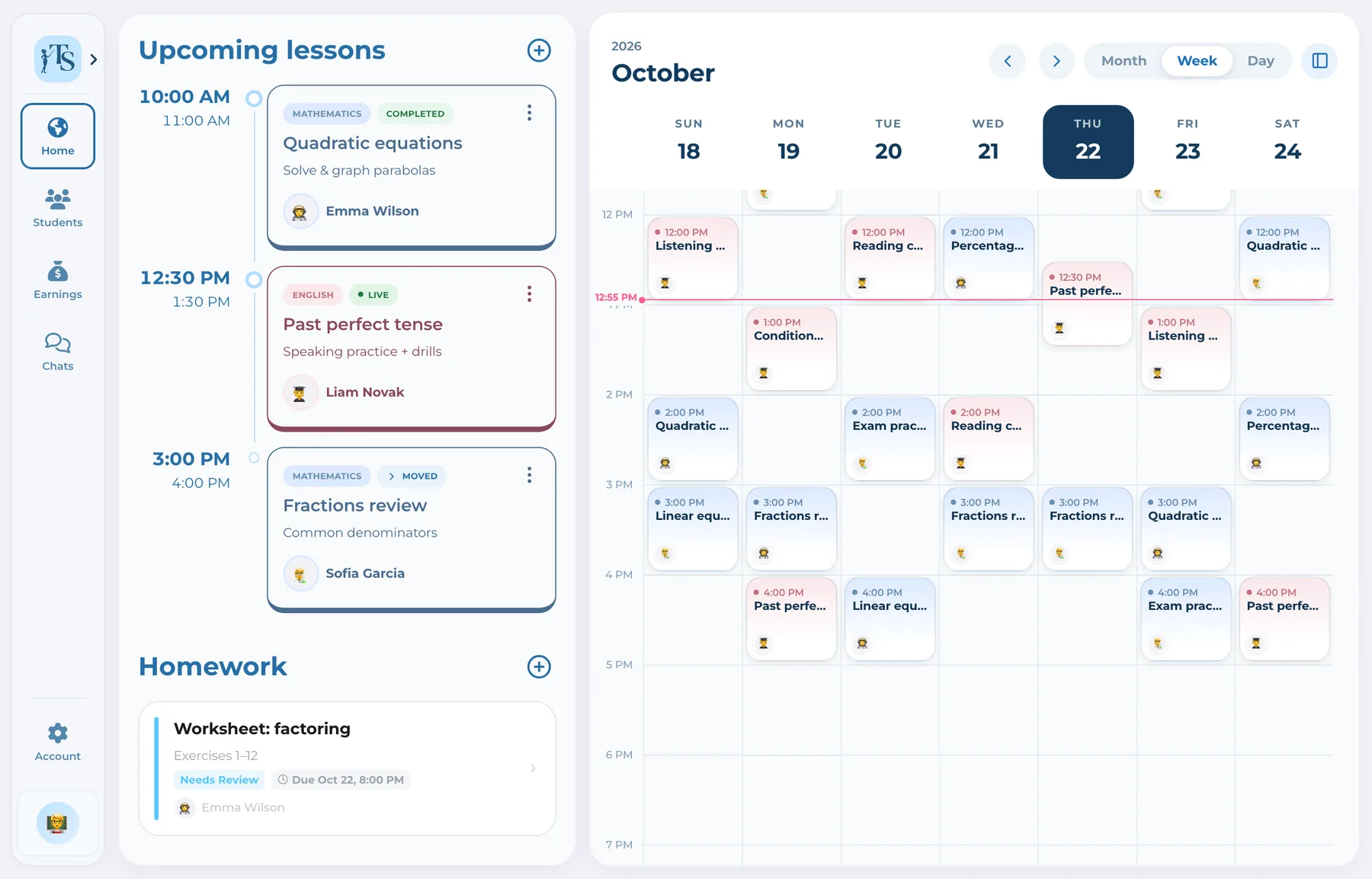
Tutors should not need to recreate a board, find a link and then explain how it relates to the lesson or assignment. Bringing the whiteboard into the teaching workspace keeps collaboration close to the records that continue after the live explanation.
How it works
Use the board as part of the lesson rather than another standalone destination.
Open the shared teaching surface from the relationship already organized in Teach Space.
Draw, write and annotate together while tutor and student see the shared work.
The student contributes from their own connected account rather than watching a static presentation.
Keep the board close to the lesson and homework workflow, with history behavior following supported plans and board modes.
One record, not another tab
Tutor and student can solve, explain and annotate on a shared surface.
TutorStudentThe student works inside the same product instead of receiving a read-only image after the lesson.
StudentStudent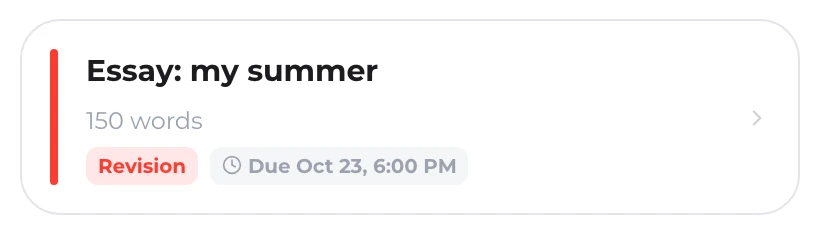
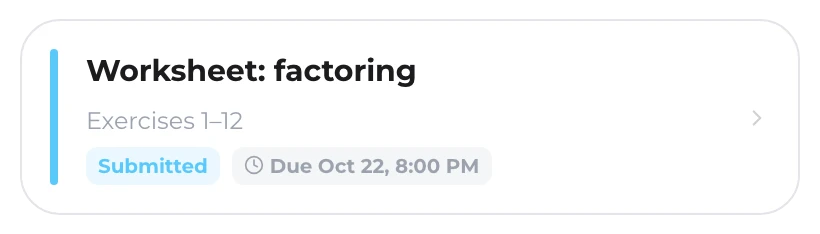
The board belongs near the lesson, materials, homework and student history rather than living as an anonymous link.
Tutor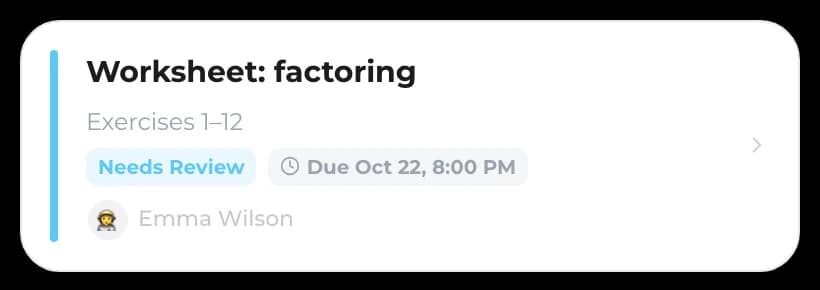 Student
One workflow, connected accounts
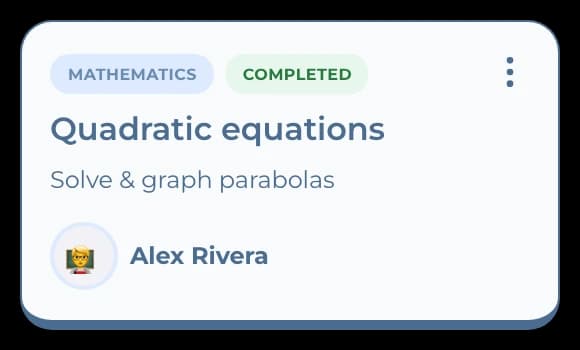
 Alex RiveraTutor
Opens the board, explains concepts and guides the shared work within the wider lesson workflow.
Good to know
Answers before you start
Yes. The whiteboard is designed for real-time collaborative explanation, drawing and annotation.
No. It is a collaborative teaching surface that can be used alongside the tutor’s preferred calling service or during an in-person lesson.
Persistence and available history depend on the board mode and the published plan. Teach Space does not claim permanent storage of every transient state in every mode.
Yes. The student participates through a connected account within the relevant lesson or class workflow.
Collaborative whiteboard for tutoring
Teach on a live surface without separating the board from lessons, homework and learning context.